If you encounter issues with a PAX D135 while using the SDK, contact the Finix Support Team at support@finix.com.
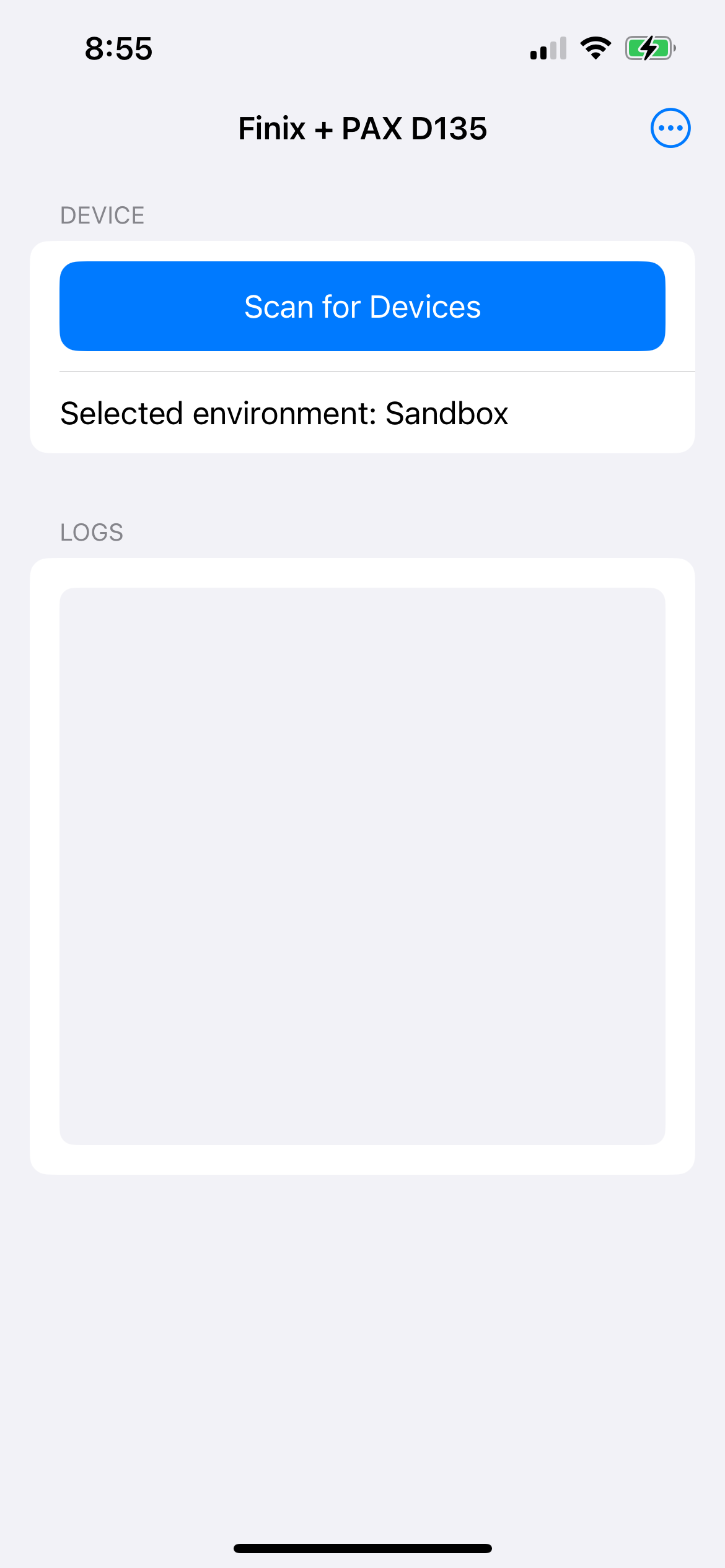
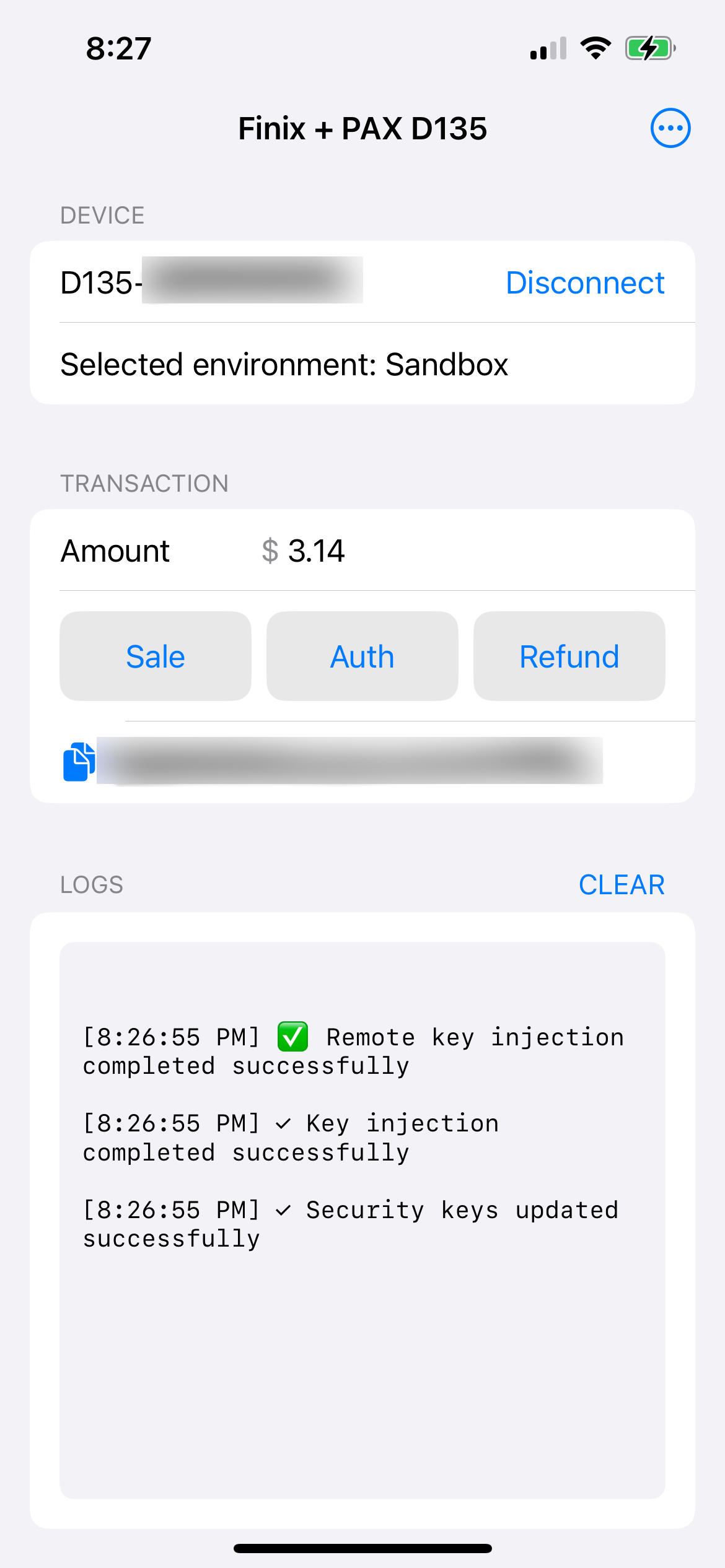
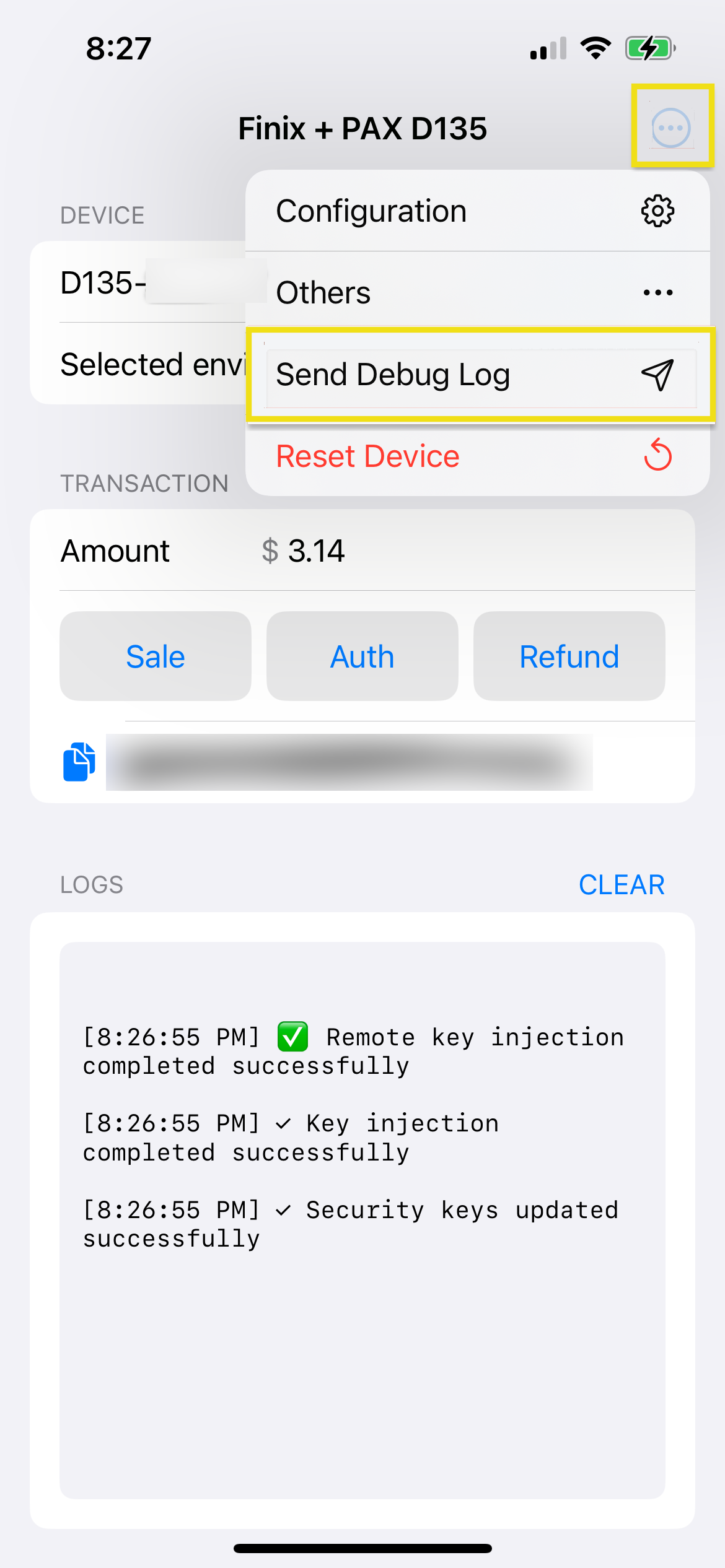
Before reaching out, follow the steps below to send debug logs from the sample app.
Alternatively, you can collect logs programmatically. See the Troubleshooting section in the Android quickstart or iOS quickstart.