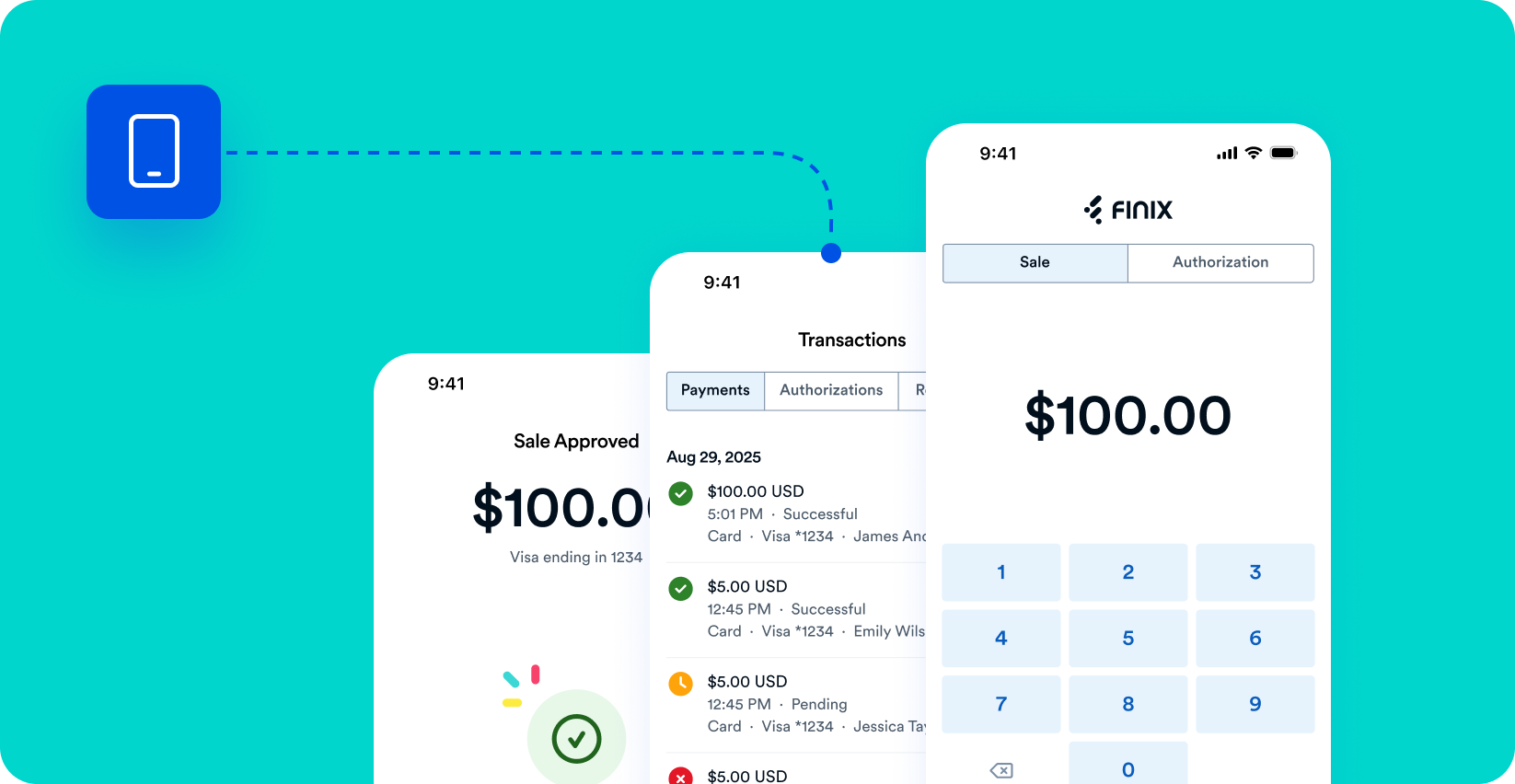
The Finix Checkout app lets you accept payments on the go. Using your iPhone or Android device, you can charge buyers through a connected Pax D135 card reader, enter card details manually, or create and share payment links.
| Android | iOS |
|---|---|
| Google Play | App Store |
Getting Started
Learn how to sign in and navigate the Finix Checkout app.
Set Up the D135
Learn how to pair and connect the Pax D135 card reader to the app.
Take a Payment
Learn how to process a sale or authorization using the card reader, manual entry, or a payment link.
Payment Links
Learn how to view, share, and manage payment links from the app.