Run your Android app directly on Finix-supported PAX terminals to control the entire checkout experience.
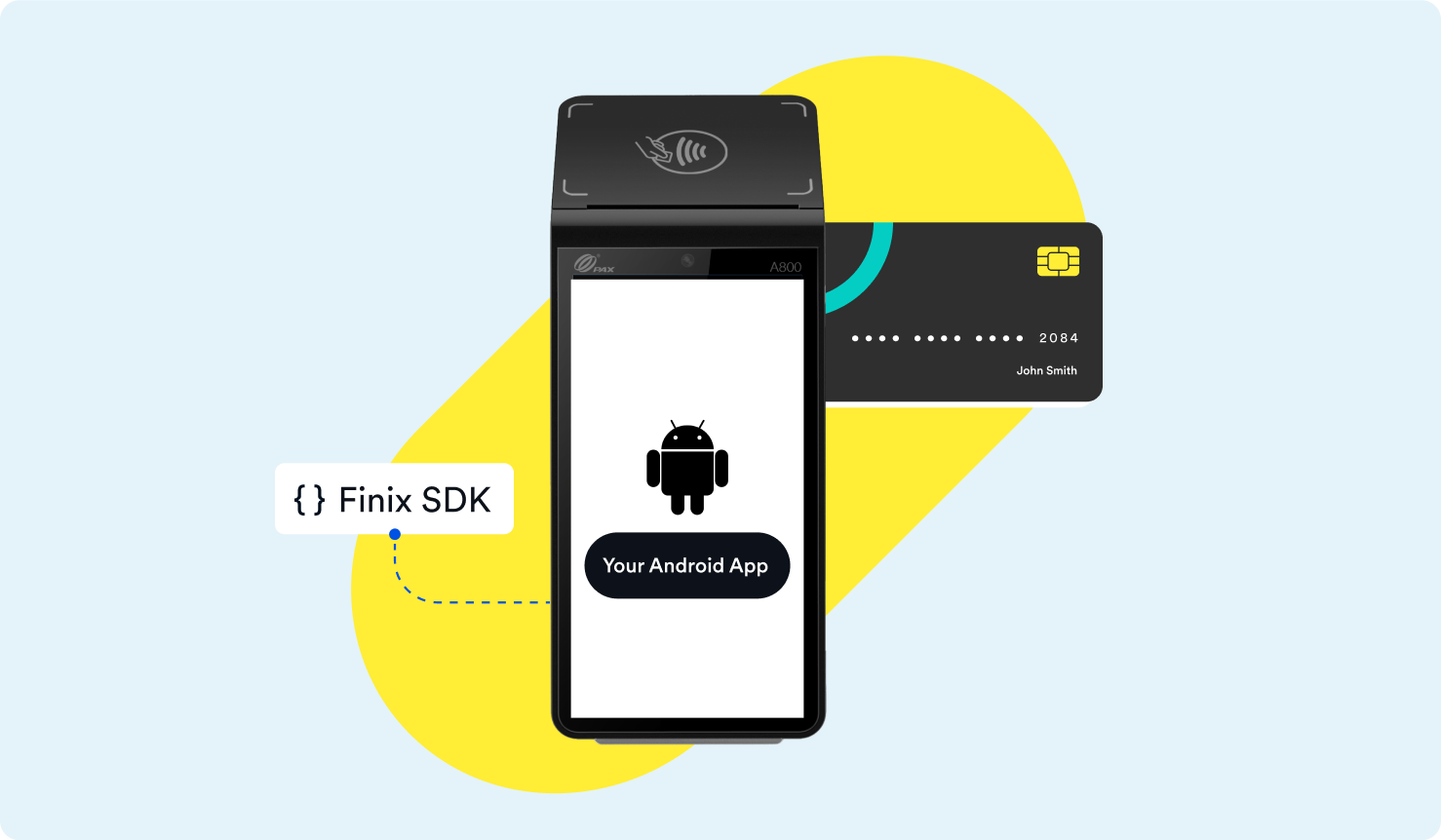
With the Finix Android SDK for PAX Device Readers, you can deploy your Android application onto the payment terminal. No separate POS device or card reader is required. The SDK handles card processing on the terminal while your app owns the rest of the experience.
Deploying your app to a terminal provides the following advantages:
- A single device at checkout: Your app and payment processing run on the same terminal.
- Full control of the experience: Design the ordering, checkout, and post-payment flows around your business.
- Support across PAX smart terminals: Deploy to Finix-supported devices such as the PAX A800, A920 Pro, A35, A3700, and IM30.
To deploy your app, follow these steps:
- Build: Create your Android app with the Finix Android SDK for PAX Device Readers handling card processing.
- Test: Validate your app in Sandbox on debug devices from PAX.
- Meet the requirements: Confirm your app satisfies the App Requirements for packaging, permissions, and payment processing.
- Deploy: Distribute your app to production terminals through PAX's terminal management system.
- Monitor: Track the health and connectivity of your fleet with device management.
To develop and test your app, you need debug devices purchased directly from PAX, and Finix must register your team for TMS access. To get started, reach out to your Finix point of contact or email support@finix.com.
Quickstart
Build in-person payment flows on PAX terminals with the Device Reader SDK.
App Requirements
Review the packaging, platform, and payment processing requirements for terminal apps.
Deploying Your App
Register for TMS access, distribute your app, and roll out updates to your fleet.
Device Reader Demo App
Explore a sample Android app built with the Finix Android SDK for PAX Device Readers.
Devices
Compare Finix-supported terminals by use case, connectivity, and integration type.