The Finix Android SDK for PAX Device Readers uses point-to-point encryption (P2PE), so every device must have an encryption key injected before it can process transactions. Production devices receive this key automatically over the air. Debug devices, however, require manual key injection using the steps below.
The screenshots in this guide were taken on a PAX A800 payment terminal, but the process is identical across all supported PAX models.
From the home screen, locate and open the Settings app. You may be prompted for a passcode. Each PAX model uses a different passcode, so try the following combinations, in order, until one works:
pax9876@@Pax9876@@9876@@9876
pax9876@@ is the most common passcode.
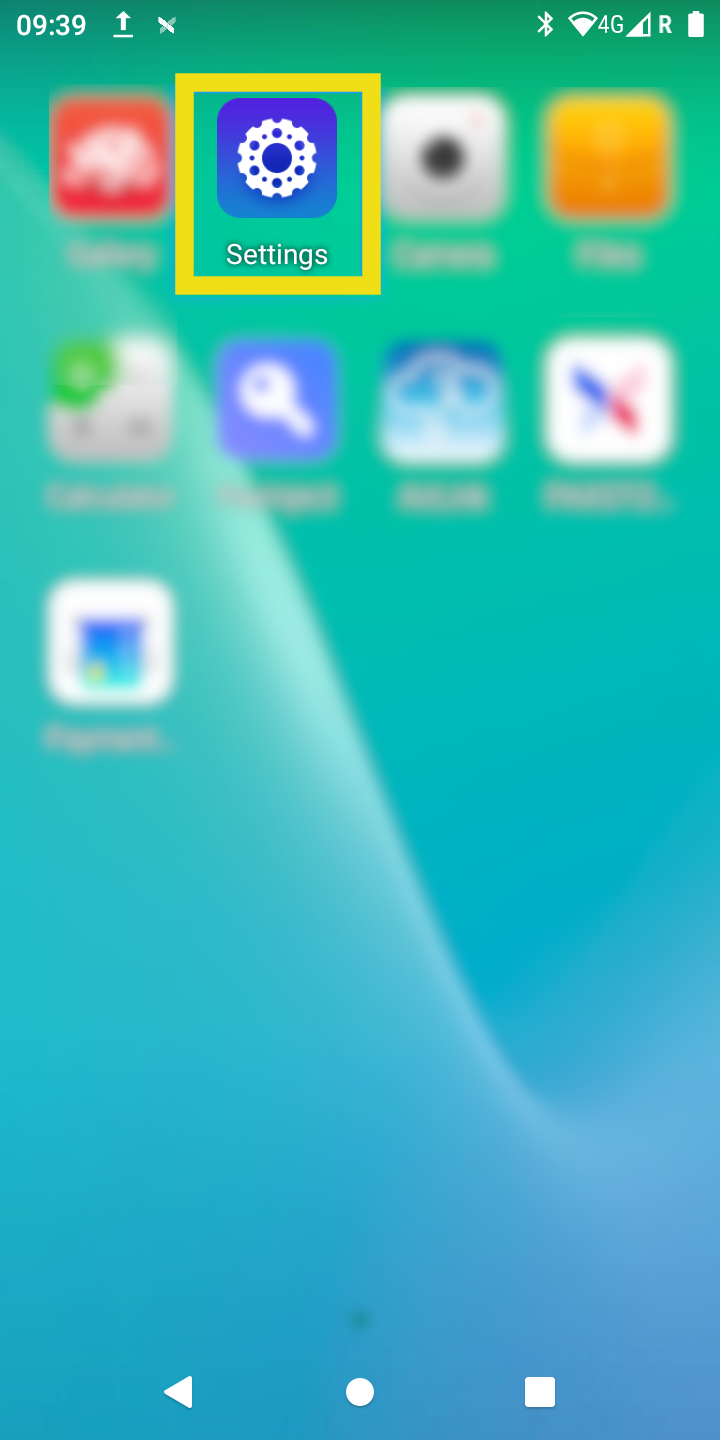
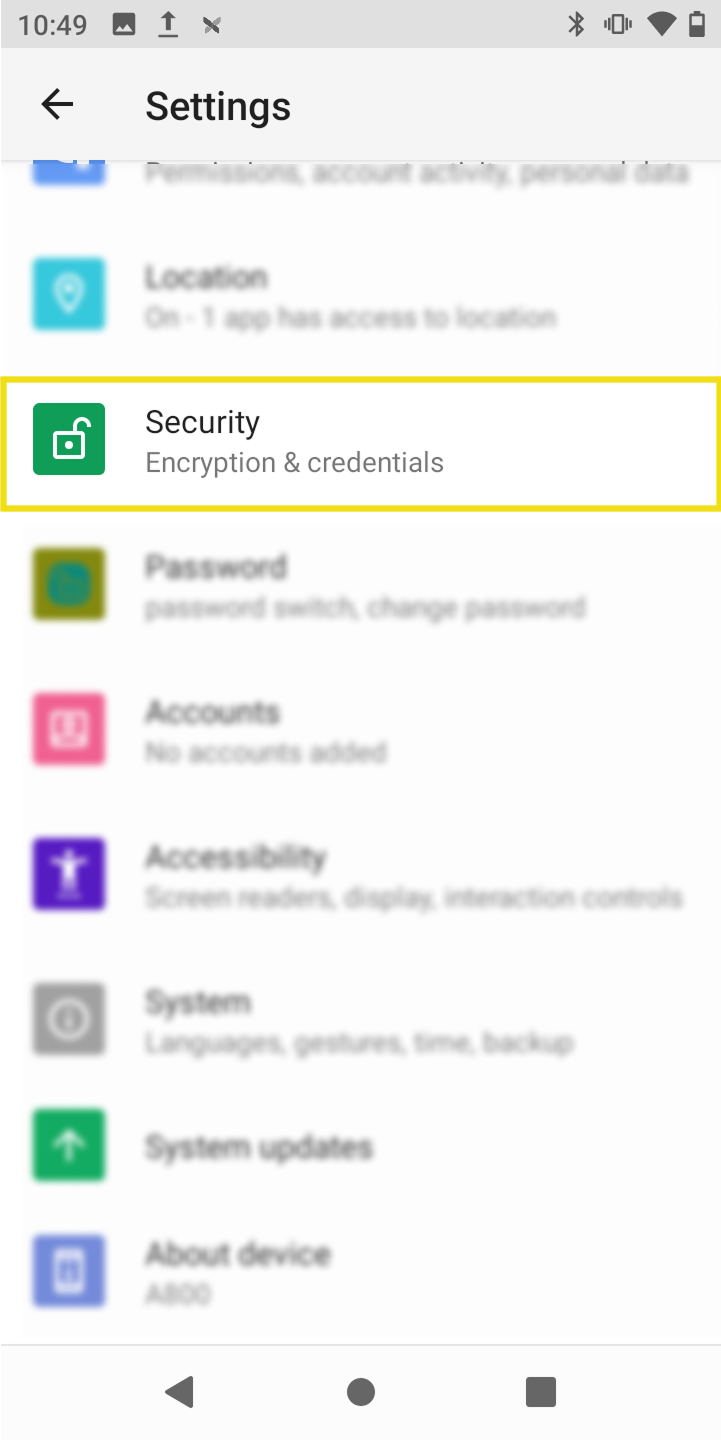
Scroll down the Settings page and select Security.
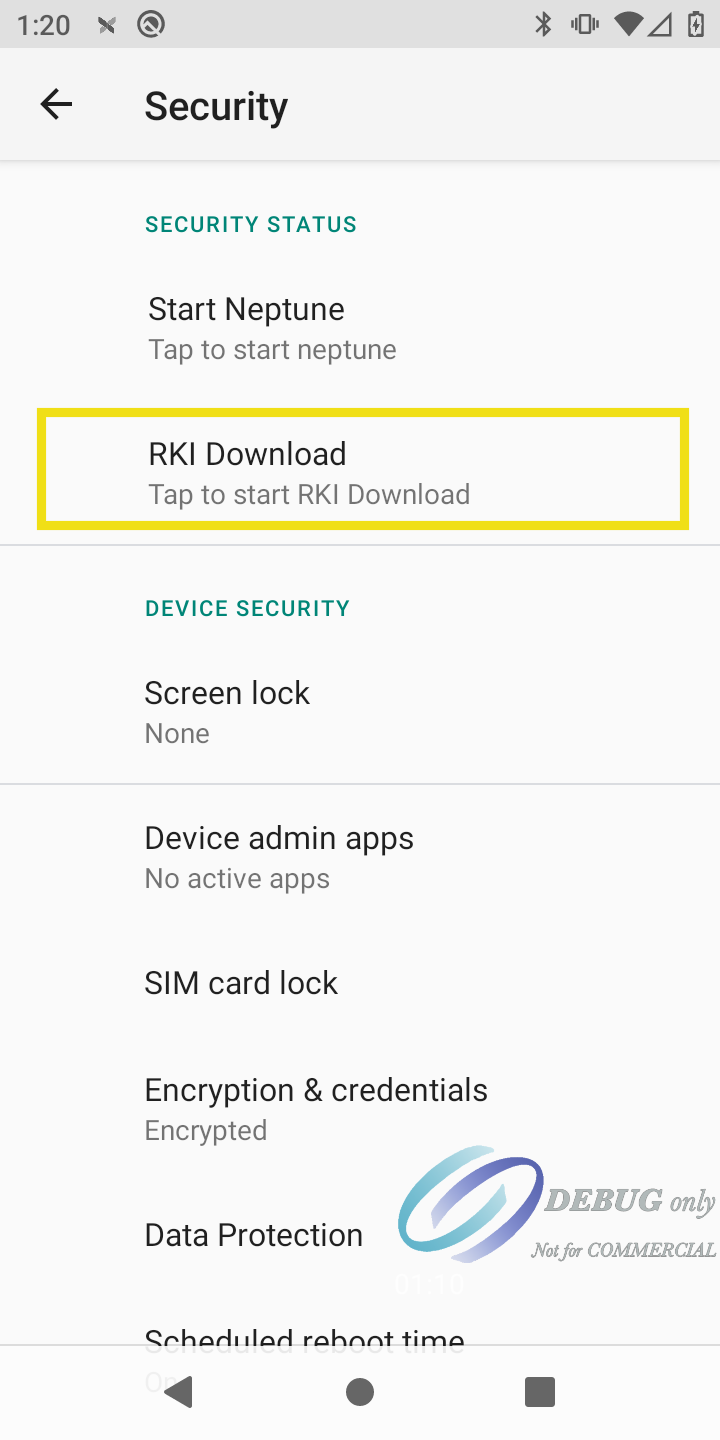
Select RKI Download.
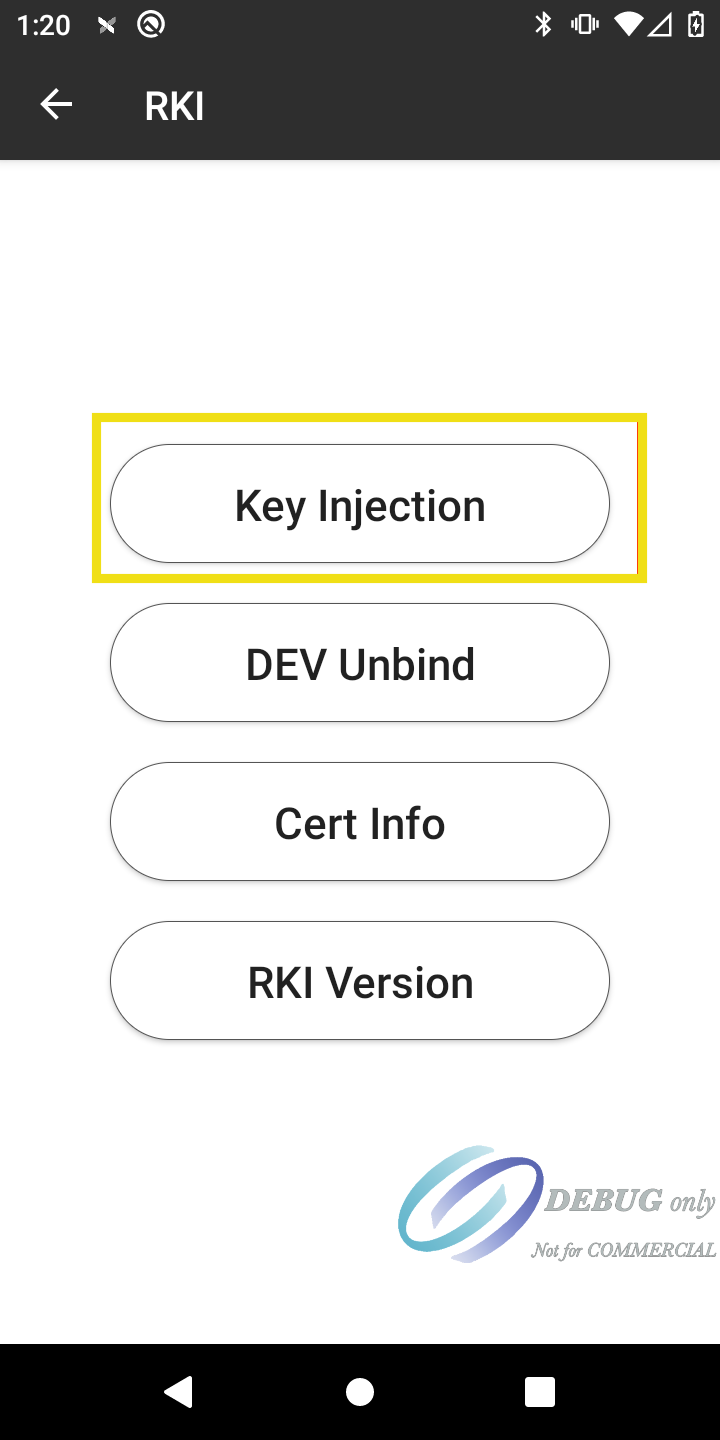
On the RKI screen, select Key Injection.
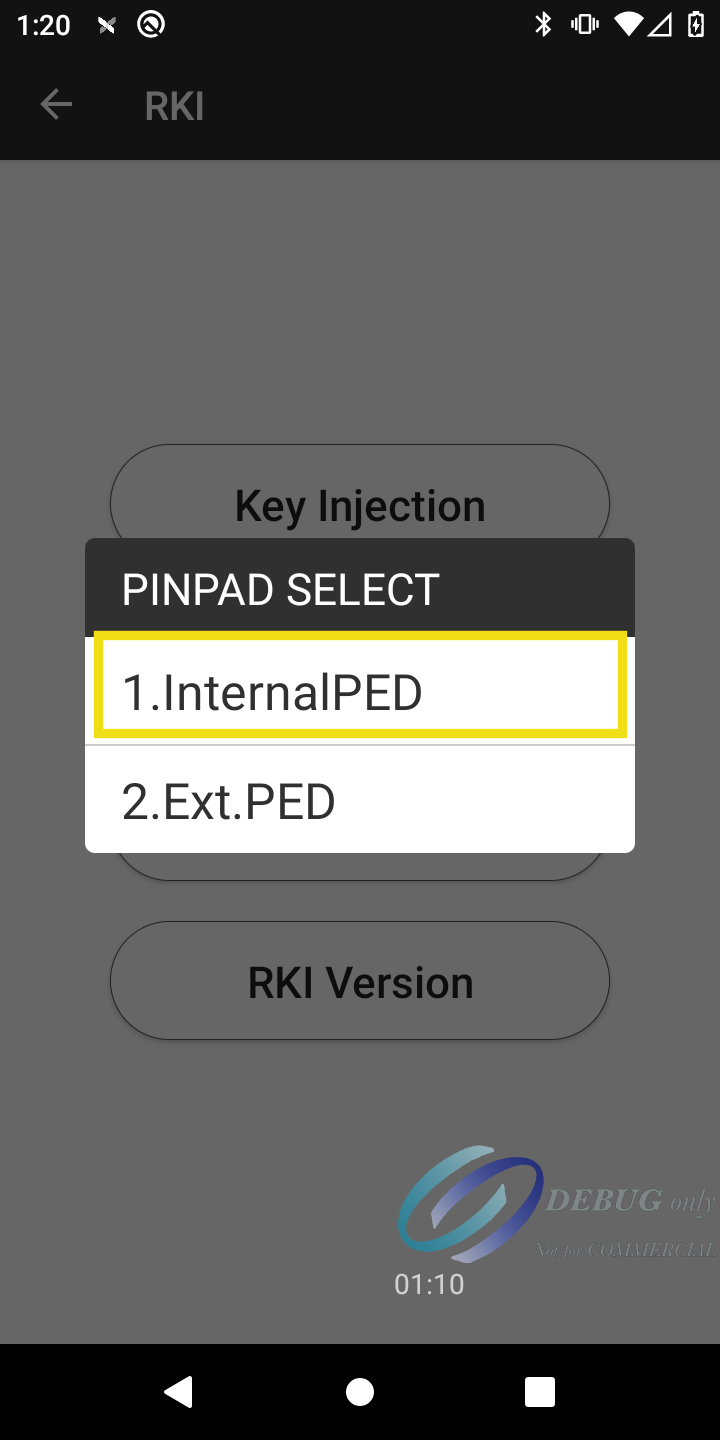
When prompted to select a pinpad, choose 1. InternalPED.
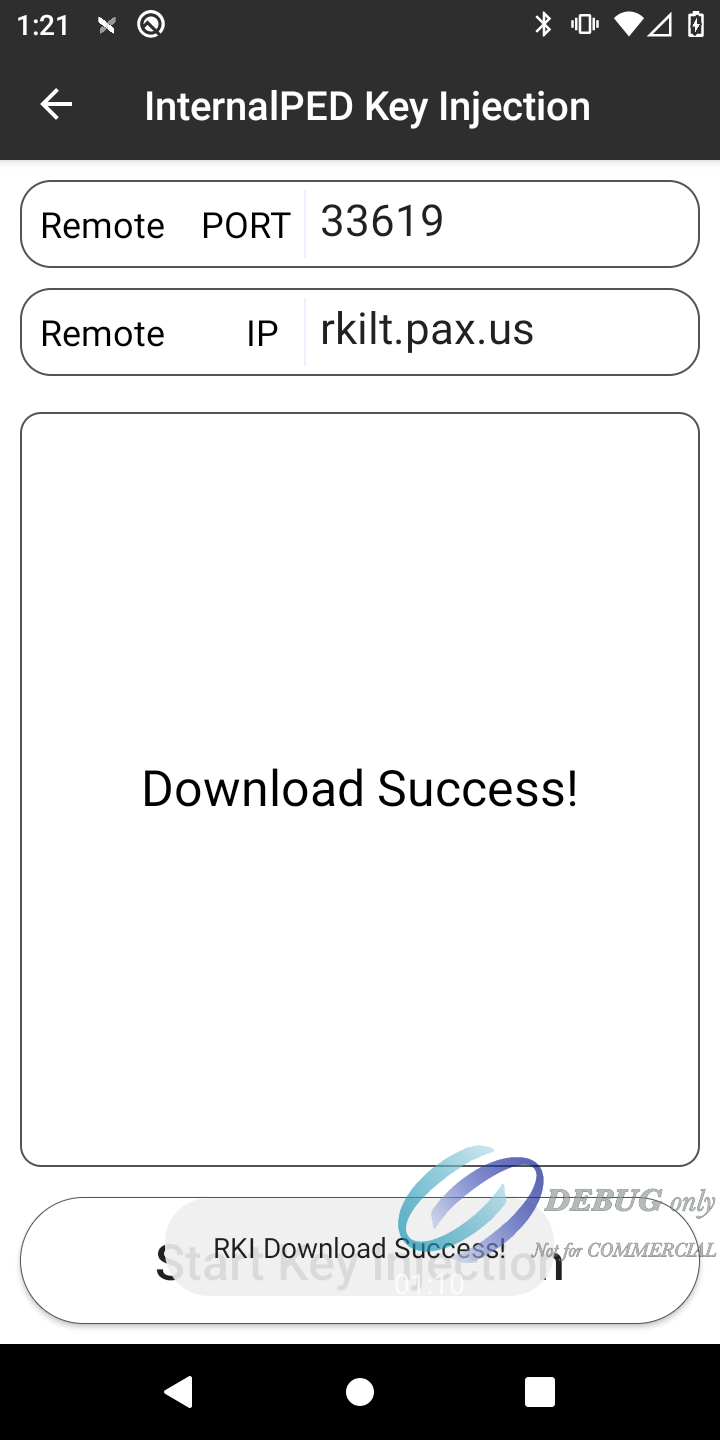
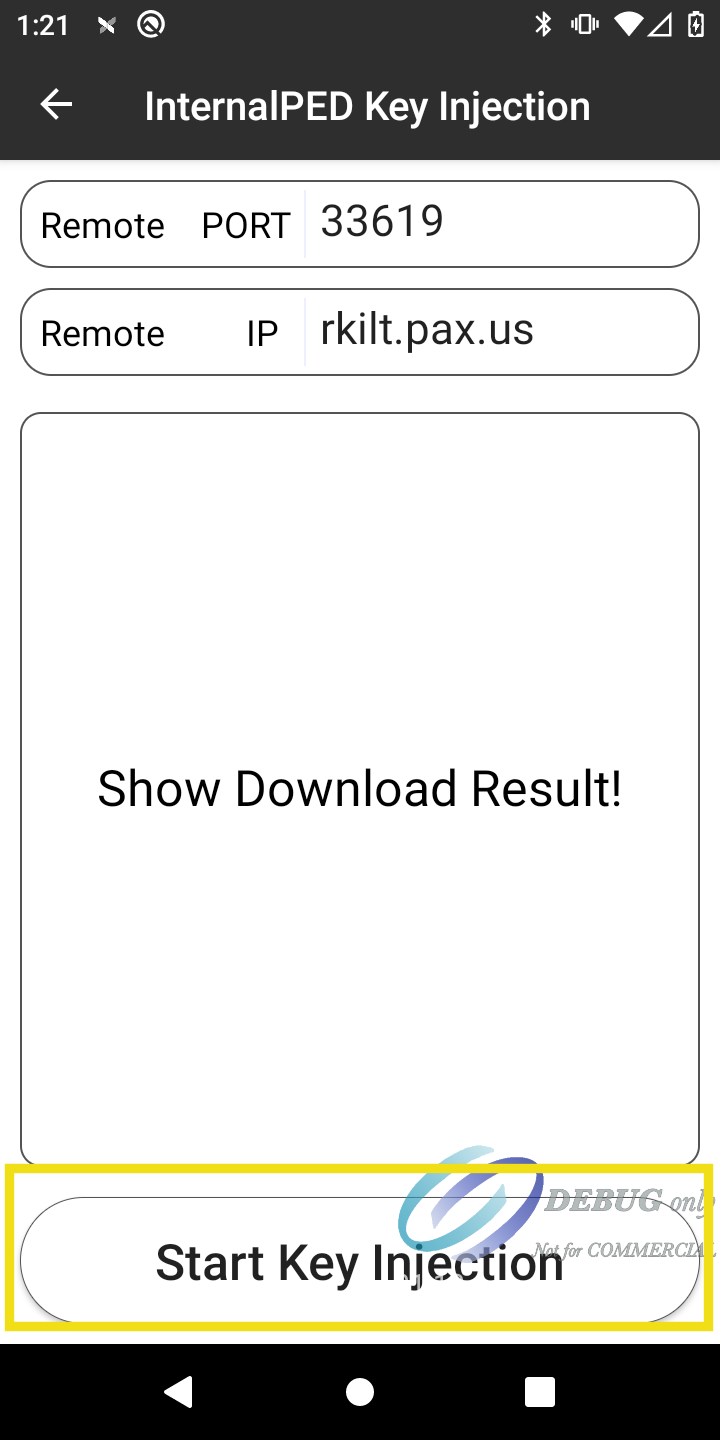
Enter the following connection details, then select Start Key Injection:
| Field | Value |
|---|---|
| Host | rkilt.pax.us |
| Port | 33619 |
If the key is injected correctly, a Download Success! screen appears. If you do not see this confirmation, contact customer support for assistance.