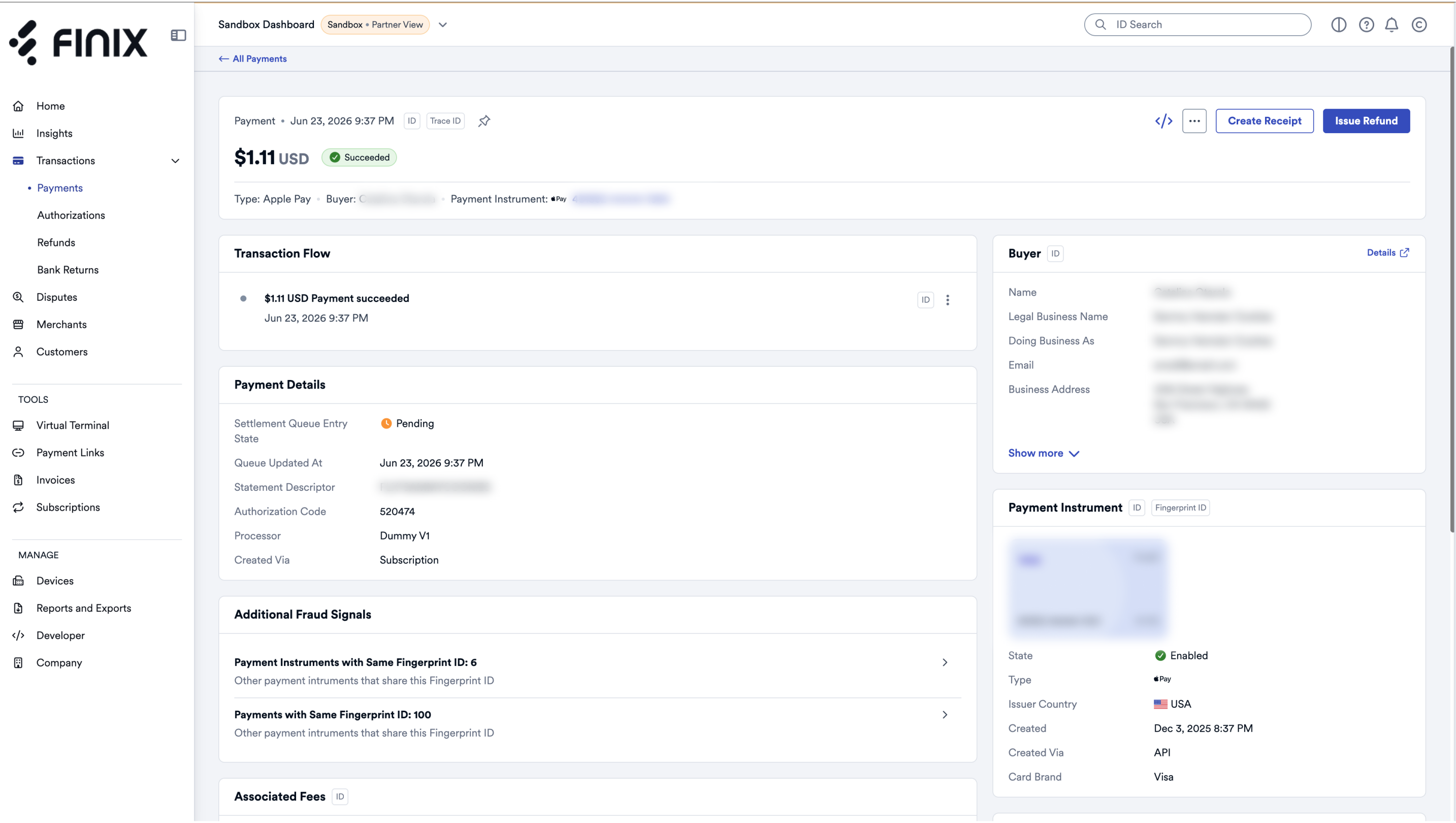
After processing a payment or authorization through the Virtual Terminal, you can manage it from the Finix Dashboard.
After using the Virtual Terminal to process a sale, a Payment ID is returned. Click the Payment ID to open the payment details page.
From the payment details page, you can:
- Review the payment details.
- Create a receipt.
- Issue a refund.