Payment links create individual links you can send to buyers to complete a transaction. You can share these links on web pages, email, text, or QR codes.
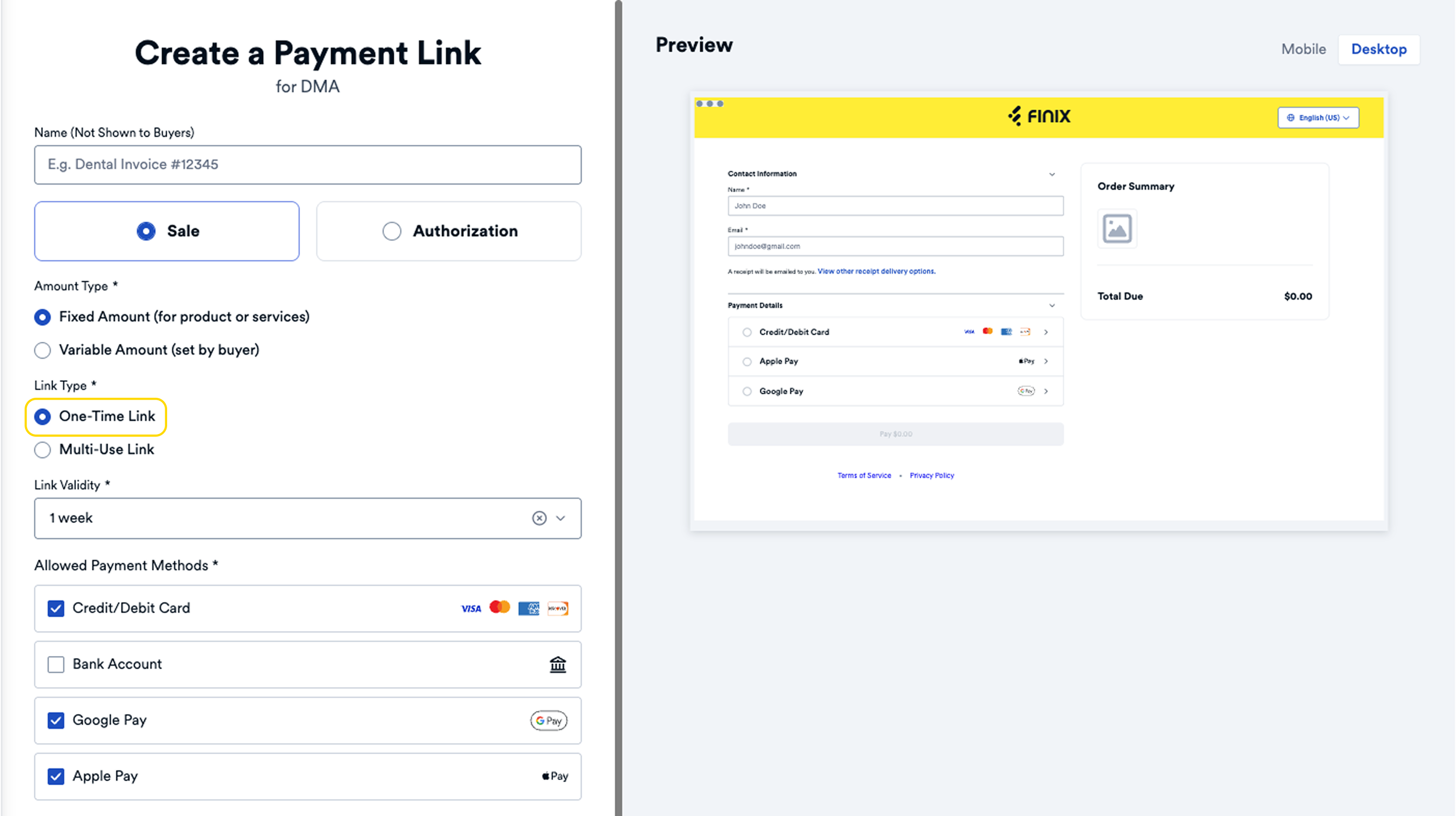
Payment links can be either "single-use" or "multiple-use". Single-use payment links are personalized for a specific customer's purchase, while multiple-use links can be used any number of times.
With payment links, instead of logging in to a computer or meeting the seller in person, the buyer can click a link and complete the transaction on their phone or preferred device.
Example use cases for payment links:
- Including a payment link with an invoice for your buyer to pay
- Asking a buyer to pay after they visit your store
- Allowing buyers to pay through chat, email, or social media
The payment link buyer page is supported on desktop and mobile. You can also customize the checkout page with your brand name and logo.
Level 2 / Level 3 processing is supported for Payment Links. For more information, see our guide on Level 2 / Level 3 Processing.
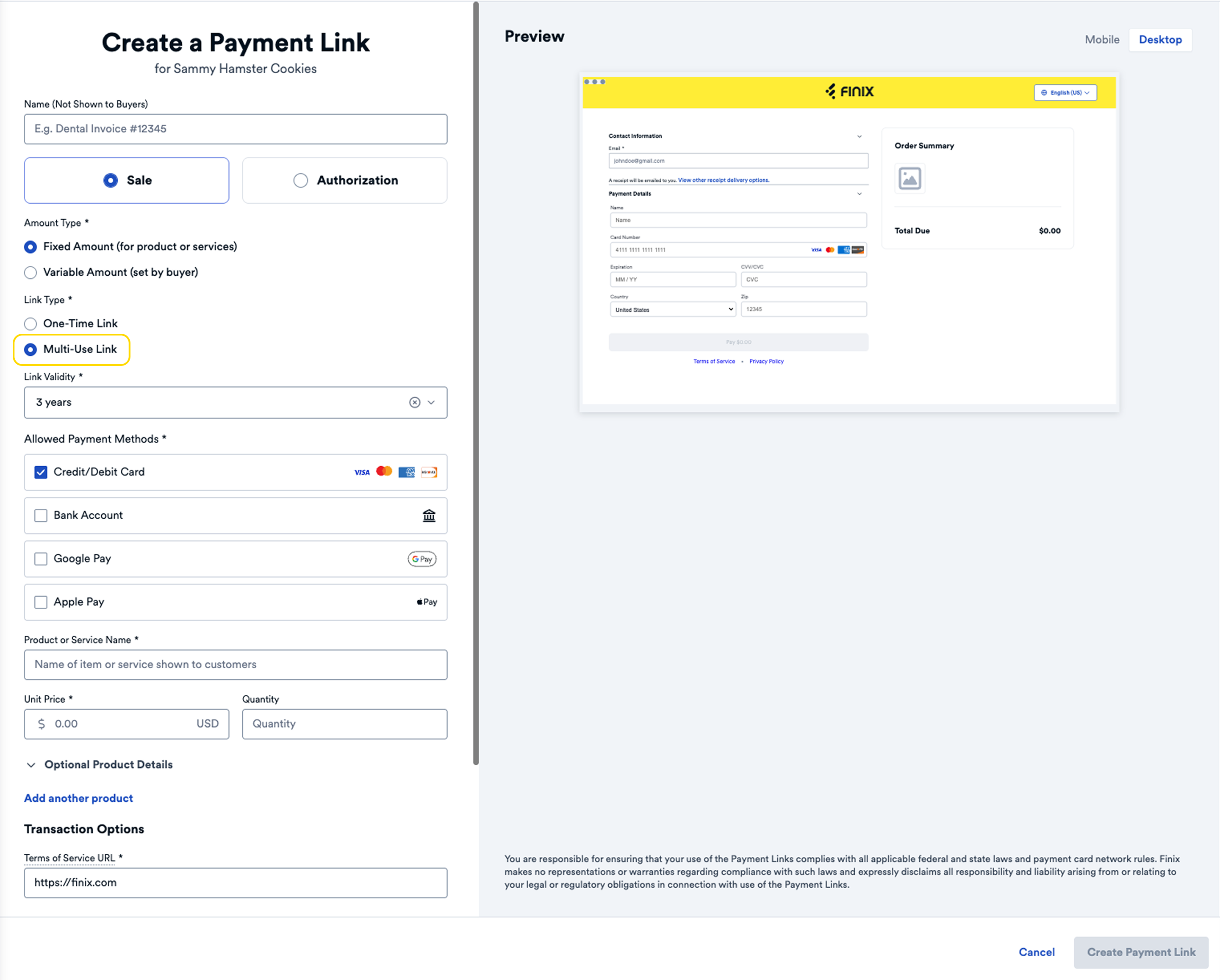
Payment links are generated by entering transaction details in the Finix Dashboard. After creating the payment link, you can share it with your buyer via a hyperlink, QR code, email, or chat.
When the buyer clicks the link, they will be directed to a payment page where they can enter their card or bank information to complete the transaction.
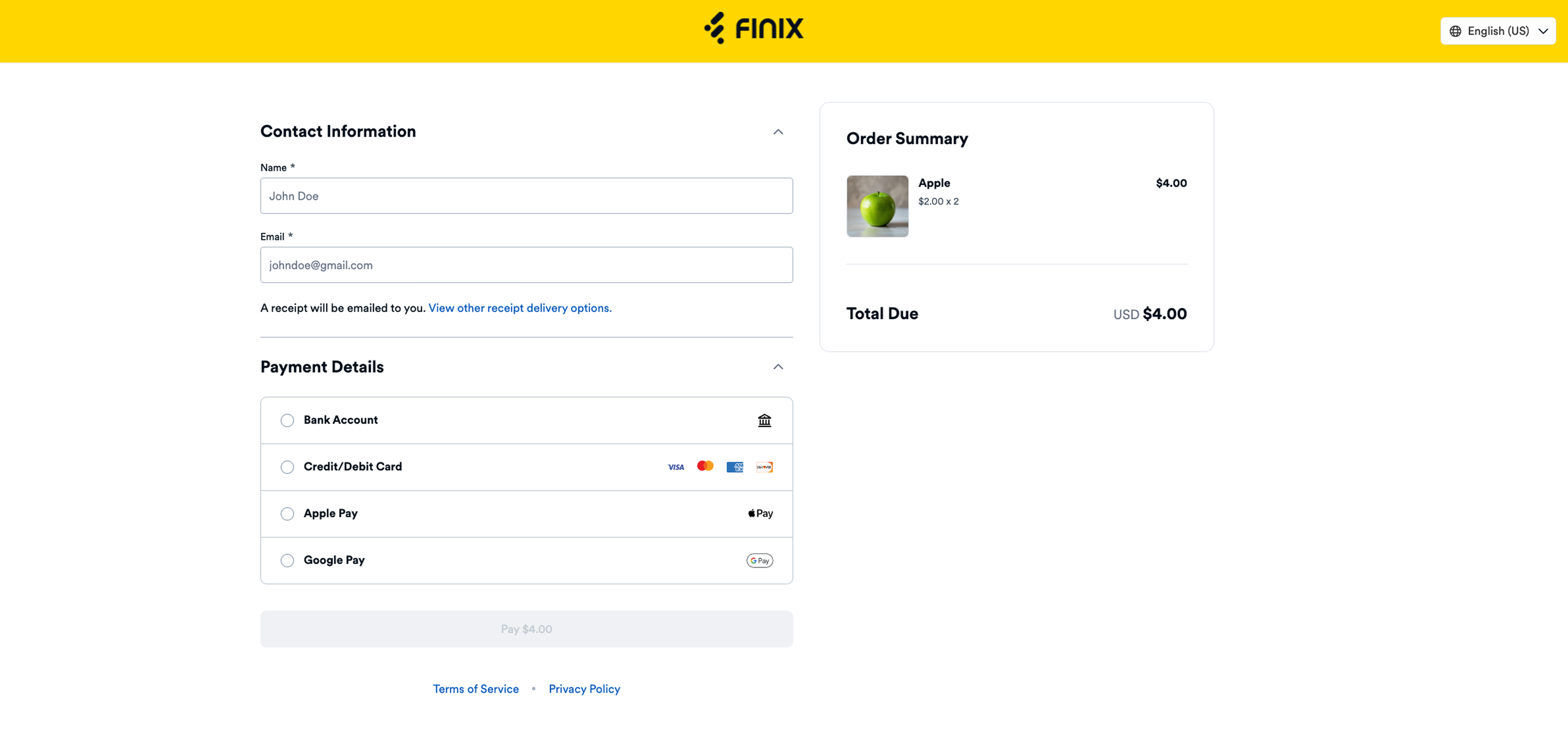
Finix's payment links support:
- Card payments ($USD and $CAD)
- Bank account payments (ACH Direct Debits in the USA and EFTs in Canada)
- Google Pay
- Apple Pay
Single-use payment links can only be used once. After a buyer completes payment, the link transitions to Completed and cannot accept additional payments.
Use single-use links when:
- Sending a payment request for a specific transaction.
- You want to ensure the link is only valid for one payment.
- Tracking individual purchases tied to specific buyers.
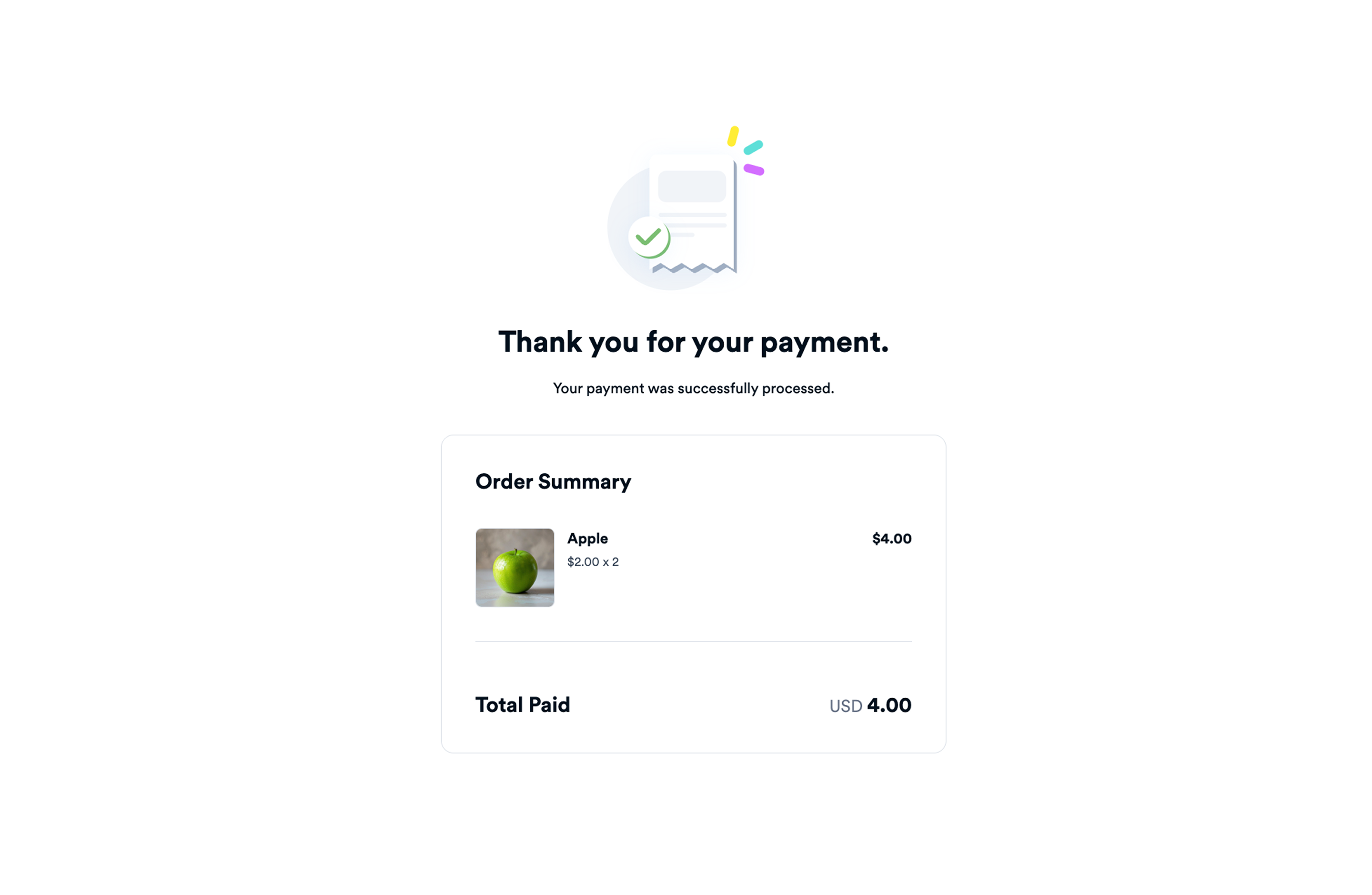
After payment, the buyer sees a confirmation with the items and total amount paid:
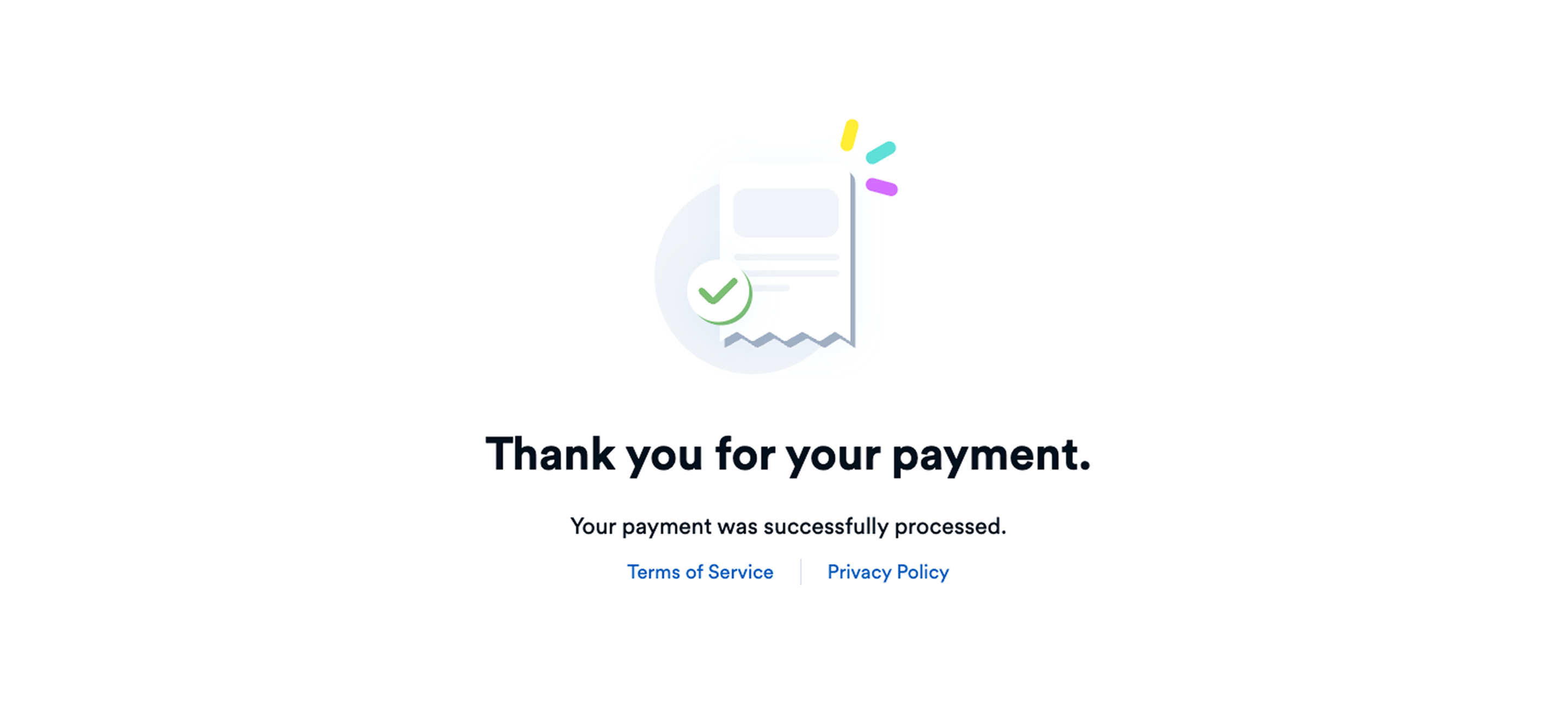
If a buyer clicks the link again, they see a message confirming the payment was already processed:
Multiple-use payment links can accept unlimited payments. The link remains Active until it expires or is manually deactivated.
Use multiple-use links when:
- Accepting recurring payments from multiple buyers.
- Embedding a payment link on a website or in marketing materials.
- You don't need to track individual buyers per transaction.
Level 2 / Level 3 processing is not supported for multiple-use payment links.
Each successful payment creates a new Transfer resource. You can view all transactions associated with a payment link on the dashboard.
Payment links support two amount types: Fixed and Variable.
Fixed amount payment links have a predetermined total that buyers cannot change. Use fixed amounts when you know the exact payment amount upfront.
- The
amount_typeis set toFIXED. - The
total_amountspecifies the payment amount in cents.
Variable amount payment links let buyers enter their own payment amount within optional min/max limits. Use variable amounts for donations, tips, or when the final amount isn't known at link creation.
- The
amount_typeis set toVARIABLE. - Optionally set
min_amountandmax_amountto control the allowed range.
The typical payment link lifecycle follows these steps:
- Create: Create a payment link in the Dashboard with product details, amount, and settings.
- Share: Share the link with buyers via email, text, QR code, or embed it on your website.
- Pay: The buyer clicks the link and completes payment on the hosted payment page.
- Complete: For single-use links, the state changes to Completed. For multiple-use links, the state remains Active.
Payment Links transition through different states based on payment activity. You can view and filter payment links by state on the dashboard.
| Status | Description |
|---|---|
| Active | The payment link is available for buyers to use. |
| Completed | A payment has been successfully made (single-use links only). |
| Expired | The link validity period has passed and the link can no longer be used. |
| Deactivated | The payment link was manually deactivated and can no longer be used. |
A payment link starts in the Active state after it's created.
- For a single-use payment link, when a payment is made the state changes to Completed.
- For multiple-use payment links, the state remains Active until it expires or is deactivated.
A single-use payment link moves to Completed when a payment is made. This state does not apply to multiple-use payment links.
A payment link moves to Expired when the link validity period has passed. Buyers can no longer use the link to make payments.
For multiple-use payment links, you can deactivate the link at any time while its state is Active. Once deactivated, the link cannot be used for payments.
To deactivate payment link:
- From the Finix Dashboard, click Payment Tools → Payment Links.
- Click the payment link you want to deactivate.
- The payment link details page opens.
- Click the ... icon and select Deactivate.
- A banner appears at the top of the payment link page confirming the action.

Single-use payment links follow this flow:
Multiple-use payment links remain Active through multiple payments:
Multiple-use links do not transition to Completed state. They remain Active until they expire or are manually deactivated.
You can allow buyers to pay with credit/debit cards, Apple Pay, and Google Pay. For more information, see Payment Methods for Payment Links.
| Field | Description |
|---|---|
is_multiple_use | When true, the payment link can be used for multiple transactions. When false, the link can only be used once. |
amount_type | Determines whether the payment amount is FIXED (set by you) or VARIABLE (buyer enters an amount within min/max limits). |
allowed_payment_methods | The payment methods buyers can use: PAYMENT_CARD, BANK_ACCOUNT, APPLE_PAY, or GOOGLE_PAY. |
link_expires_at | The timestamp when the payment link expires and can no longer be used by buyers. |
state | The current state of the payment link: ACTIVE, COMPLETED, EXPIRED, or DEACTIVATED. |
Refunds on payments made through Payment Links are handled the same way as other payments. For more information, see Refunds.
You must include your terms and services with every payment link you create. Your terms and conditions should contain the following information.
You must include a URL to your terms of service when creating a payment link.
- A description of the product or service that you are selling or offering.
- Any third parties involved in the product you are selling or offering.
- Reference to which governing law applies to you and your buyers.
- Any data you are storing.
- Any data you are sharing with third parties.
- Your cookie policy.
- Expected delivery and shipping timelines
- Any restrictions on where you can ship or deliver your goods or services
- Your general refund policies (e.g., 10 days, 30 days, no refunds allowed).
- Directions on submitting a refund request or canceling a subscription.
You should include general contact information such as:
- Business name
- Doing Business as
- Support Email address
- Support Phone number