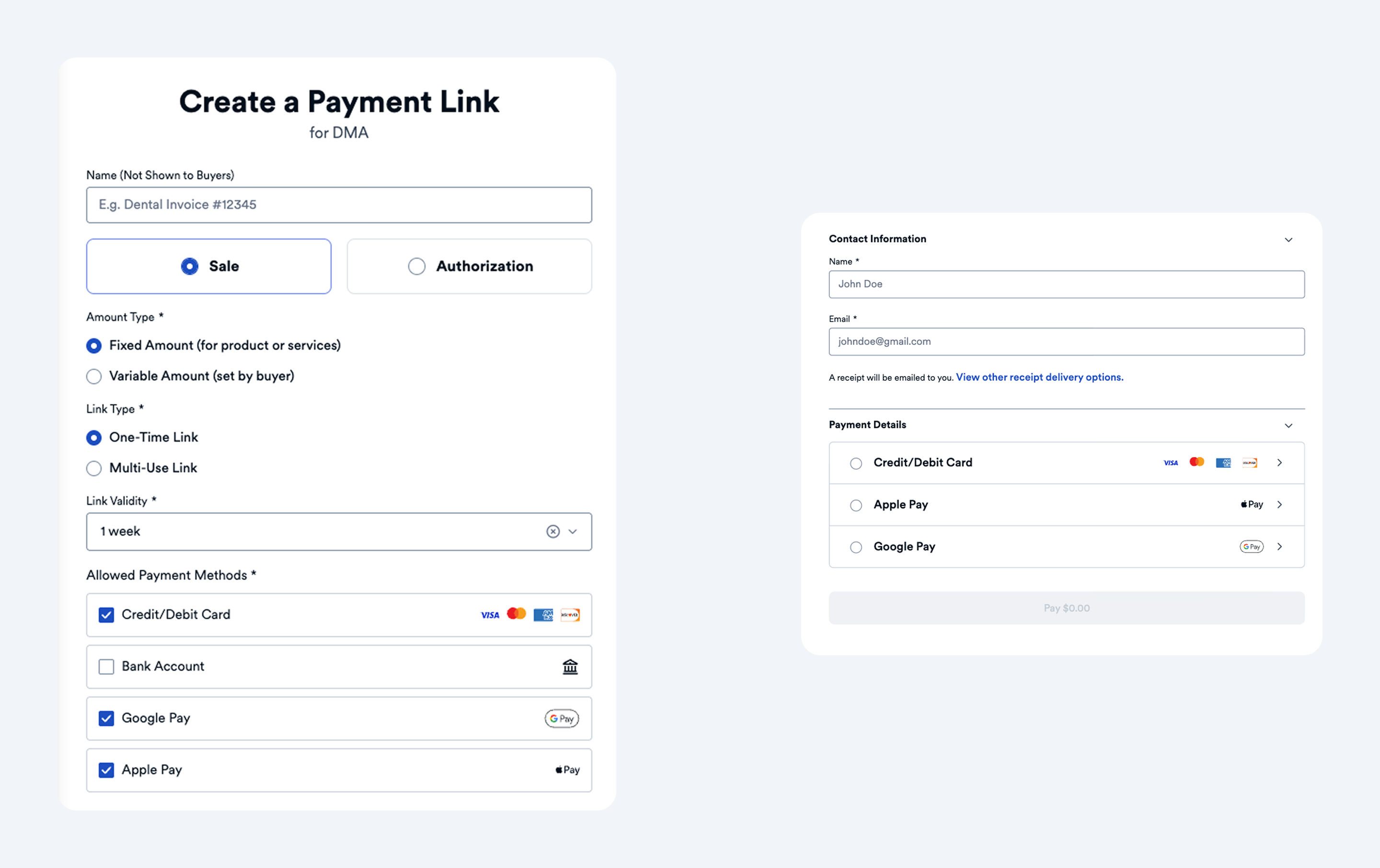
Finix payment links support credit/debit cards, ACH bank transfers, Apple Pay, and Google Pay. Configure which methods are enabled at link creation.
| Payment Method | Description |
|---|---|
| Credit/Debit Card | Accept Visa, Mastercard, American Express, and Discover cards. Supports USD and CAD. |
| Bank Account (ACH) | Accept ACH Direct Debits (USA). |
| Apple Pay | Fast, secure checkout with tokenized payments and biometric authentication. Appears on supported Apple devices. |
| Google Pay | Fast, secure checkout with tokenized payments. Appears on supported Android devices and Chrome browsers. |
Select which payment methods to accept in the Allowed Payment Methods section when creating a payment link:
- Credit/Debit - Accept card payments.
- Bank Account - Accept ACH (USA) payments. Buyers connect their bank account with Plaid, which verifies the account instantly.
- Apple Pay - Enable Apple Pay for supported devices.
- Google Pay - Enable Google Pay for supported devices.
You can enable multiple payment methods. Buyers will see all enabled options on the payment page.
When a buyer clicks the payment link, the payment page displays the available payment options based on your configuration and the buyer's device.
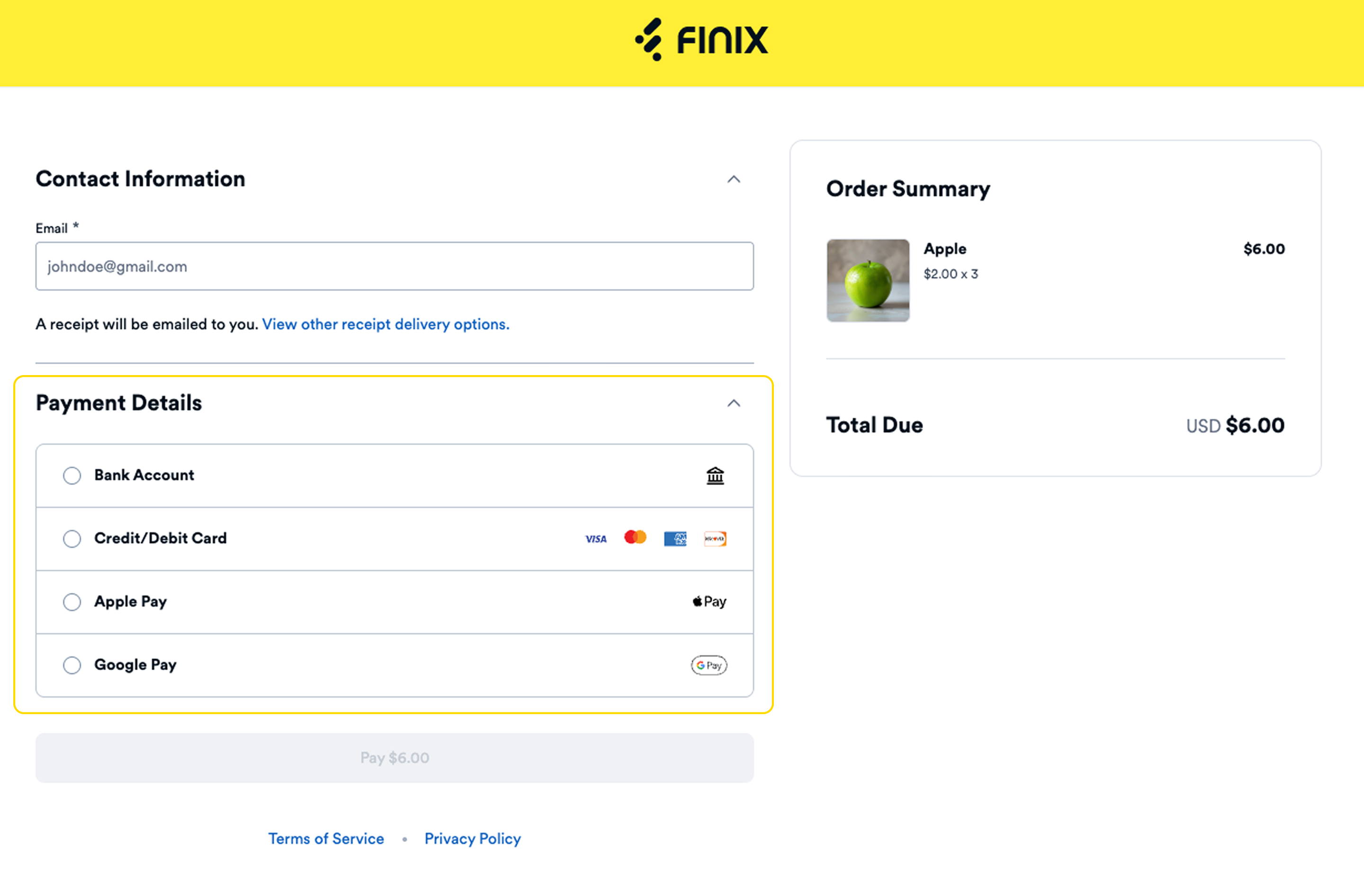
Google Pay speeds up checkout and reduces abandonment by letting buyers pay with saved cards. It offers enhanced security through tokenization, which hides card numbers and requires biometric or PIN authentication.
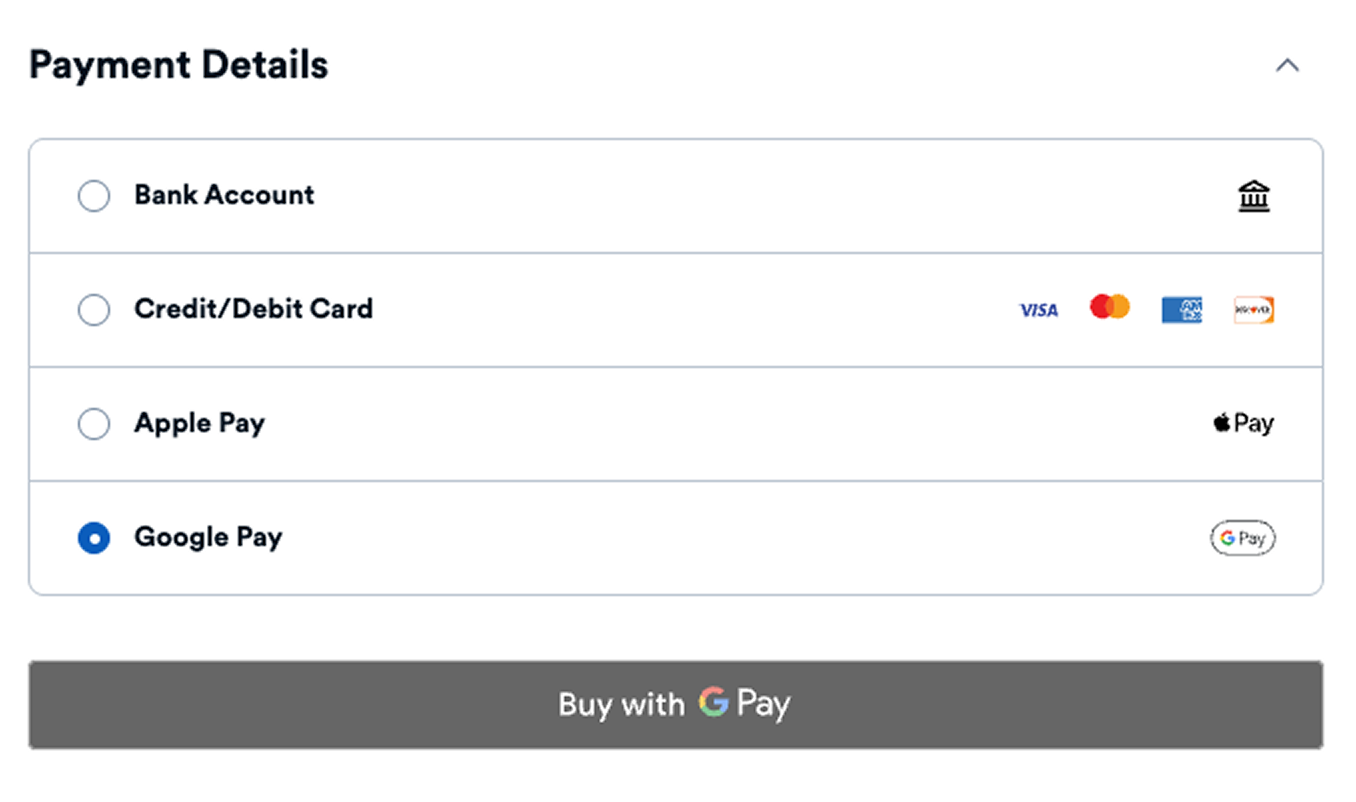
Apple Pay offers similar benefits to Google Pay with tokenized, biometric-authenticated payments. It appears automatically for buyers on supported Apple devices.