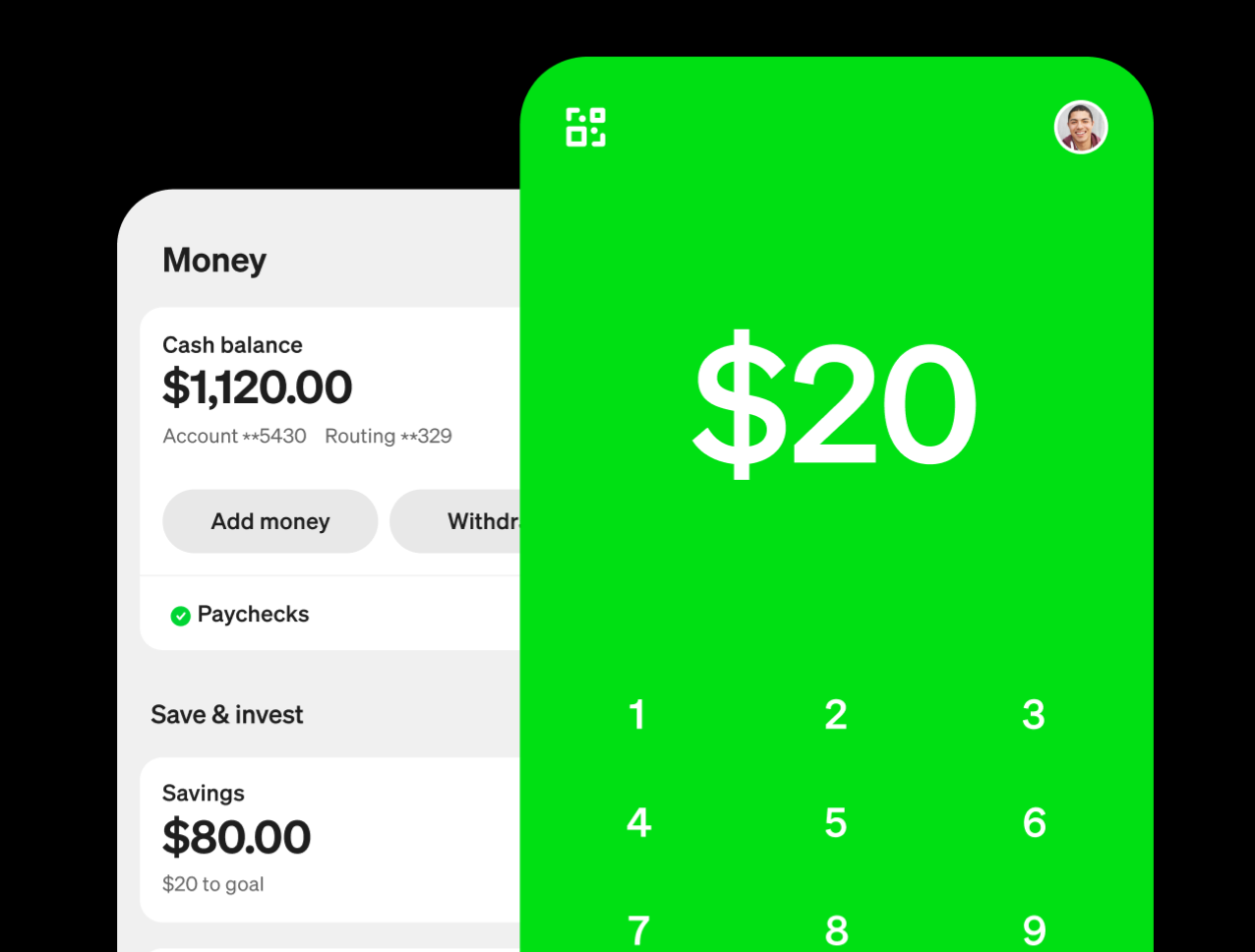
Images courtesy of Cash App
You can easily enable Cash App Pay through Finix's low-code products. Cash App Pay lets your buyers pay directly from their Cash App balance, linked debit card, or bank account—giving them a fast, familiar checkout experience without entering card details.
Cash App Pay is available for US-based merchants processing USD transactions.
Cash App Pay is currently in Early Access. To enable it on your Finix Application, reach out to your Finix point of contact or email support@finix.com.
When a buyer selects Cash App Pay at checkout, the authorization flow differs depending on whether they're on a desktop or mobile device:
| Step | Action | Details |
|---|---|---|
| 1 | Buyer opens checkout | The buyer navigates to a Payment Link, Checkout Page, or Subscription Link with Cash App Pay enabled. |
| 2 | Buyer selects Cash App Pay | The buyer clicks the Cash App Pay button. A QR code appears on screen. |
| 3 | Buyer scans the QR code | The buyer opens Cash App on their phone and scans the QR code to authorize the payment. |
| 4 | Finix processes the transaction | Once authorized, Finix automatically creates the payment instrument and processes the transaction. No additional steps are needed on your end. |
| Step | Action | Details |
|---|---|---|
| 1 | Buyer opens checkout | The buyer navigates to a Payment Link, Checkout Page, or Subscription Link with Cash App Pay enabled. |
| 2 | Buyer taps Cash App Pay | The buyer taps the Cash App Pay button and is redirected to the Cash App. |
| 3 | Buyer confirms in Cash App | The buyer reviews and confirms the payment inside the Cash App, then is returned to your checkout page. |
| 4 | Finix processes the transaction | Once authorized, Finix automatically creates the payment instrument and processes the transaction. No additional steps are needed on your end. |
Whether Cash App draws from the buyer's Cash App balance or a linked card is determined internally by Cash App—Finix has no visibility into or control over this decision.
Cash App Pay transactions are not prefixed with CashApp* in the buyer's statement. Your configured statement descriptor is used as-is.
Cash App is used by millions of people across the United States. By adding Cash App Pay as a payment option, you give buyers a way to pay with a method they already trust and use daily—increasing the likelihood of a completed purchase.
Cash App Pay reduces checkout friction by replacing manual card entry with a single tap or QR code scan. The experience is quick and familiar, helping reduce cart abandonment and boost conversion.
Cash App Pay supports both single transactions and saved payment methods. With Finix's support for ON_FILE grants, you can offer Cash App Pay as a saved payment method for subscriptions and repeat purchases—without requiring buyers to re-authorize each time.
Cash App Pay is not available for all business types. The following categories are not eligible to accept Cash App Pay:
- Business-to-business (B2B) merchants
- Financial services businesses
- Platforms focused on fundraising, donations, or alcohol sales
- Businesses selling gift cards
Review Cash App Pay's Acceptable Use Policy to confirm your business is eligible before integrating.
Refunds for Cash App Pay transactions are handled the same as all other Finix refunds. See Refunds for more information.
Disputes follow the standard Finix dispute process, which runs approximately 45 days. For fraud disputes, Block Inc bears the fraud liability. Finix receives a notification for fraud disputes but takes no action, and fraud disputes do not appear in the Finix UI. See Disputes for more information.