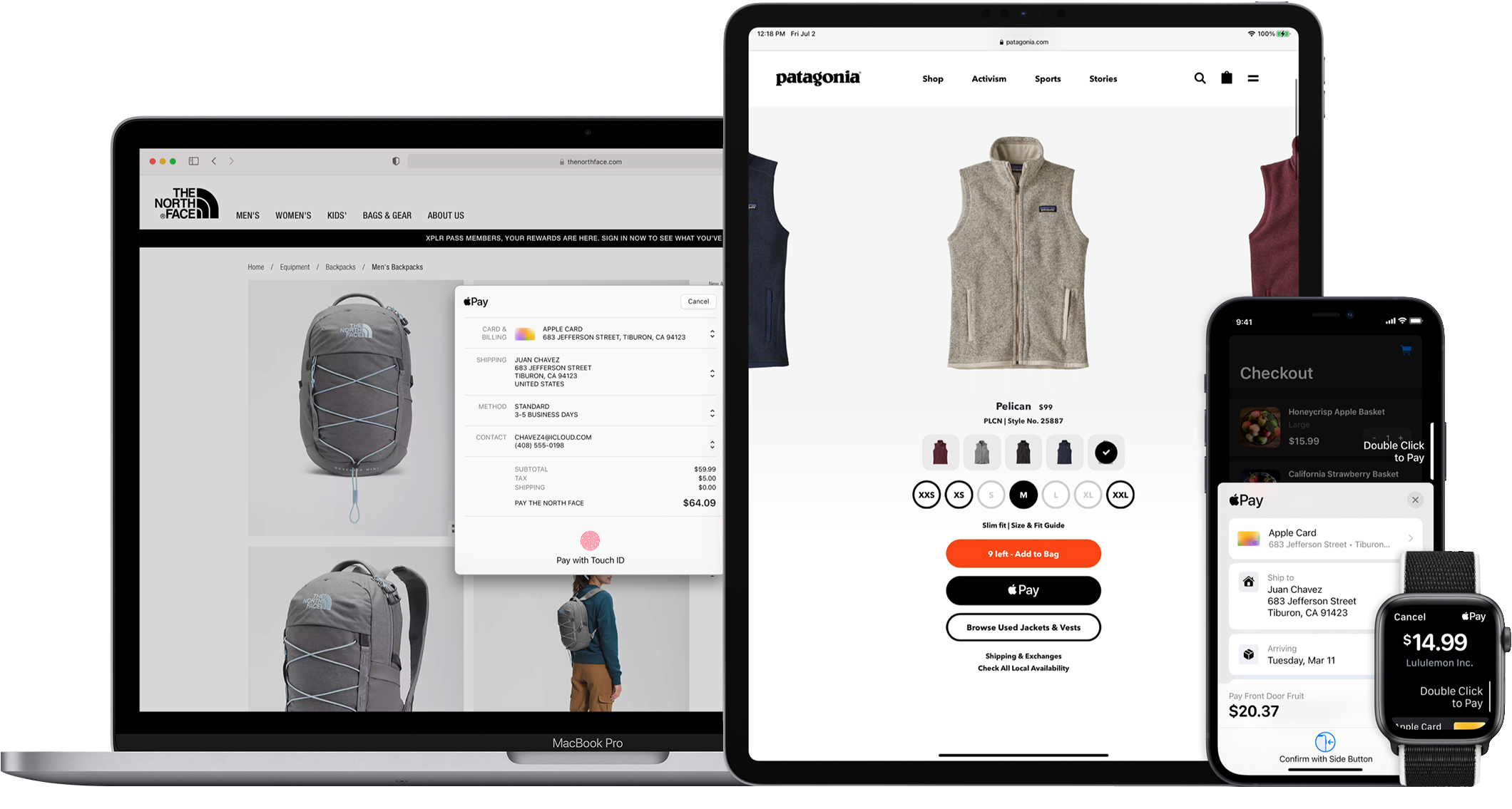
Images courtesy of Apple Developers
Add Apple Pay to your website or iOS application with the Finix API, so buyers can authorize payments with Touch ID or Face ID instead of entering card details.
- Streamlined checkout: Set Apple Pay as the default, prominent payment method to reduce cart abandonment and increase conversion.
- Enhanced security: Every transaction on the buyer's iPhone or iPad requires Face ID, Touch ID, or a passcode, which can be more secure than accepting card details directly.
Before you integrate Apple Pay, complete the following Finix and Apple requirements.
- Create a Finix API key.
- Complete the seller onboarding process. After approval, the seller has an approved Merchant.
- Review Apple Pay's Acceptable Use Policy.
- Serve your website over HTTPS with a valid SSL certificate and TLS support. To confirm your server meets the requirements, see the Apple Pay server guidelines.
- Create an Apple Developer Sandbox account.
- Log in to this developer account through iCloud on your Mac.
- Use Apple Pay test card numbers from the Apple Developer website.
The merchantIdentifier value corresponds to a merchant identity beginning with a prefix IDxxx. There are two options for which value to pass in.
If the Apple Pay button is hosted on your domain, use your application Identity ID. This flow is common when a single website hosts all of your checkout flows.
This is the default option for Direct Merchants and most Platforms. You can find the application owner Identity ID from the merchant.identity field on the Merchant you use to process payments.
If you are a Platform that hosts websites on custom URLs, provide the owner Identity of your merchants. For example, a Platform that creates a website for each of its sellers on a custom URL uses this value. Finix recommends reaching out to your Finix point of contact if your flow fits this criterion.