Create a Finix account to start building and testing your payments integration in a Sandbox environment. This guide walks you through signing up, choosing the right dashboard for your business, and applying for Live access.
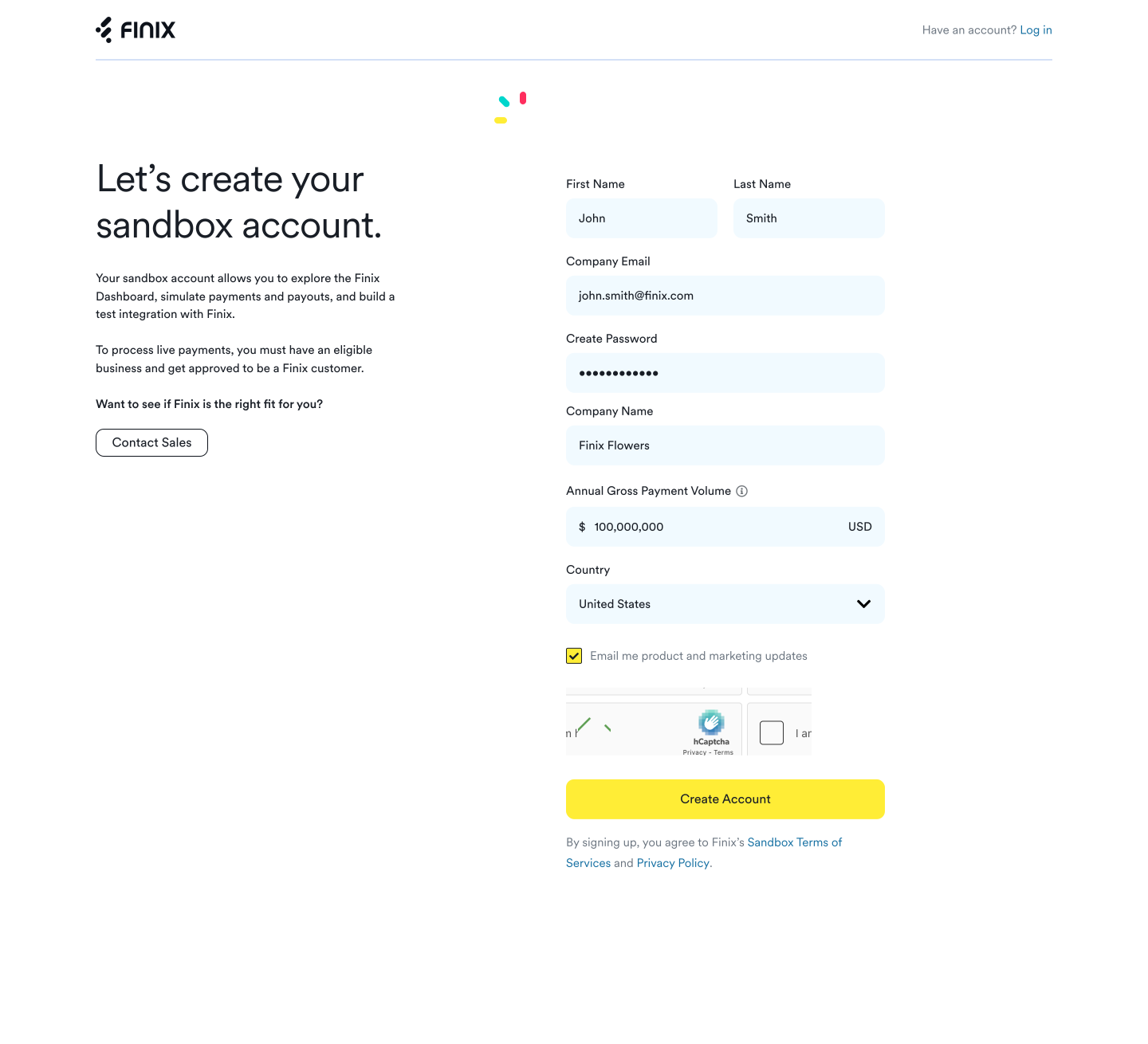
Create a Finix account by filling out and submitting the account creation form.
When you sign up for a Finix account, you are prompted to choose a dashboard. Choose the option that best describes your business.
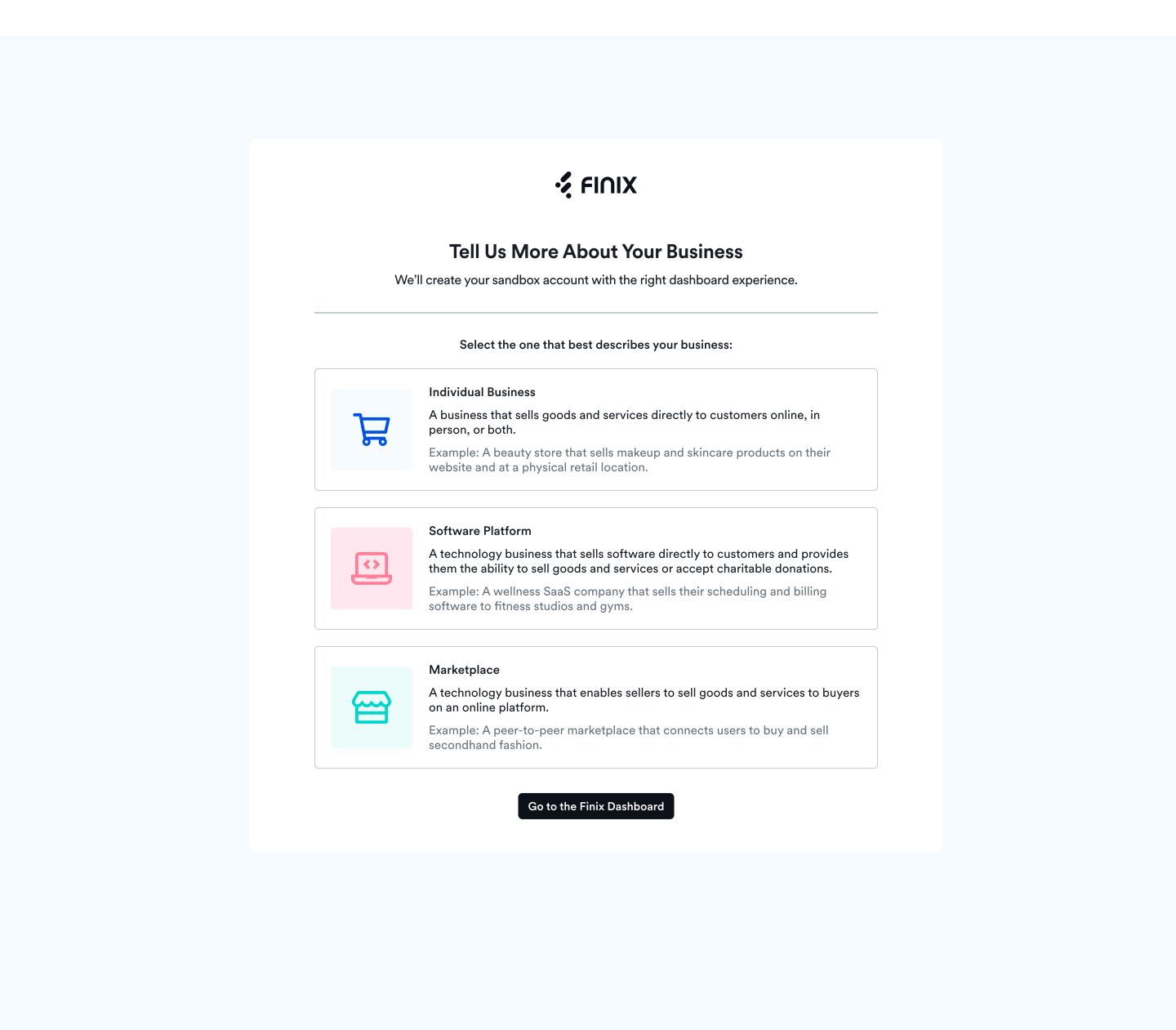
For most businesses, we recommend choosing Direct Merchant.
If you onboard sellers or process payments on behalf of sellers, we recommend choosing either:
- Software Platforms.
- Marketplaces.
To decide the best experience for your business, use the following questions. You can always reach out to your Finix point of contact or Finix support if you have questions about which option works best for you.
| Question | Answer |
|---|---|
| Do you onboard sellers and process payments on their behalf? | No: Choose Direct Merchant. Yes: Continue to the next question. |
| Do your sellers process in-person payments, such as card swipes, Tap to Pay, or EMV chip payments? | Yes: Choose Software Platform. No: Choose Marketplace. |
The sandbox account you gain access to is an Application that represents your business in the Finix API. After you gain access to the sandbox, you can log in to your Finix Dashboard and:
- Add new team members from Company → Team.
- Create API keys in the Developer tab and share them with your developers so they can start building their integration.
- Create new roles. See Roles and Permissions for a breakdown of the different dashboard roles and permissions.
Once you have a live account, you see an account selection screen where you can choose to enter a sandbox or live account.
With access to a sandbox account, you can begin building your integration with Finix.
Once you decide on the dashboard to use, get started building your payment experience by reviewing the resources that fit your account type.
| Finix account | Online payments | In-person payments | Onboard sellers | Manage sellers | Resources |
|---|---|---|---|---|---|
| Finix for Businesses | X | X | Developer Quickstart, Integration Checklist | ||
| Finix for Software Platforms | X | X | X | X | Platform Quickstart, Platform Checklist |
| Finix for Marketplaces | X | X | X | Platform Quickstart, Platform Checklist |
We recommend applying for a live account before completing your integration.
Finix maintains two separate systems, or environments:
- A Sandbox environment where you build and test your integration with Finix.
- A Live environment where you process live transactions and actual money movements.
Nothing in the Sandbox environment affects real money, so you can experiment freely without moving funds. Once you are ready, you can apply for Live access.
When you gain Live access, Finix grants you a Live environment. You keep your sandbox account, so your Sandbox and Live environments stay separate.
Before Finix can grant a Live environment, Finix evaluates your business and integration. Access to a Live environment lets you process live transactions and initiate real money movements.
If you are interested in a live account, reach out to the Finix Sales team.