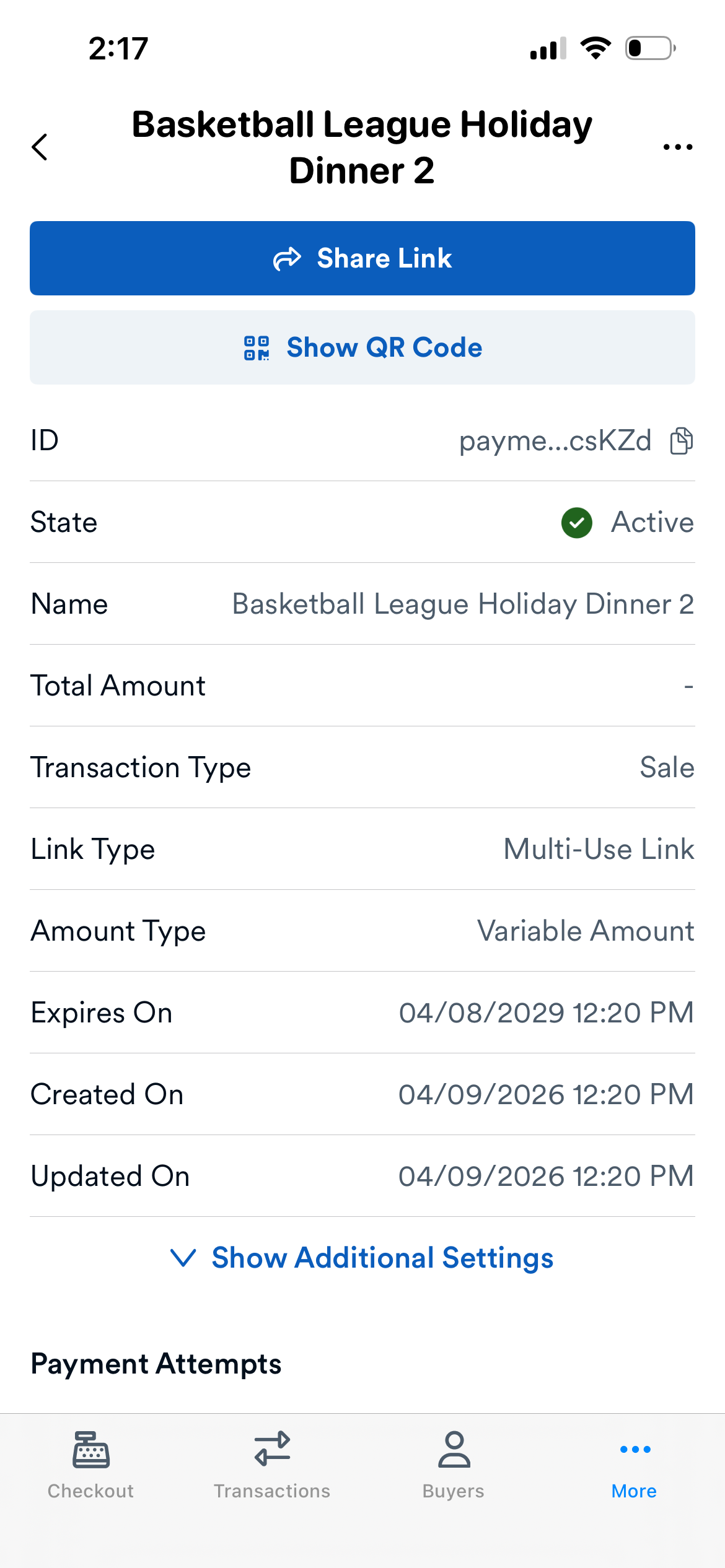
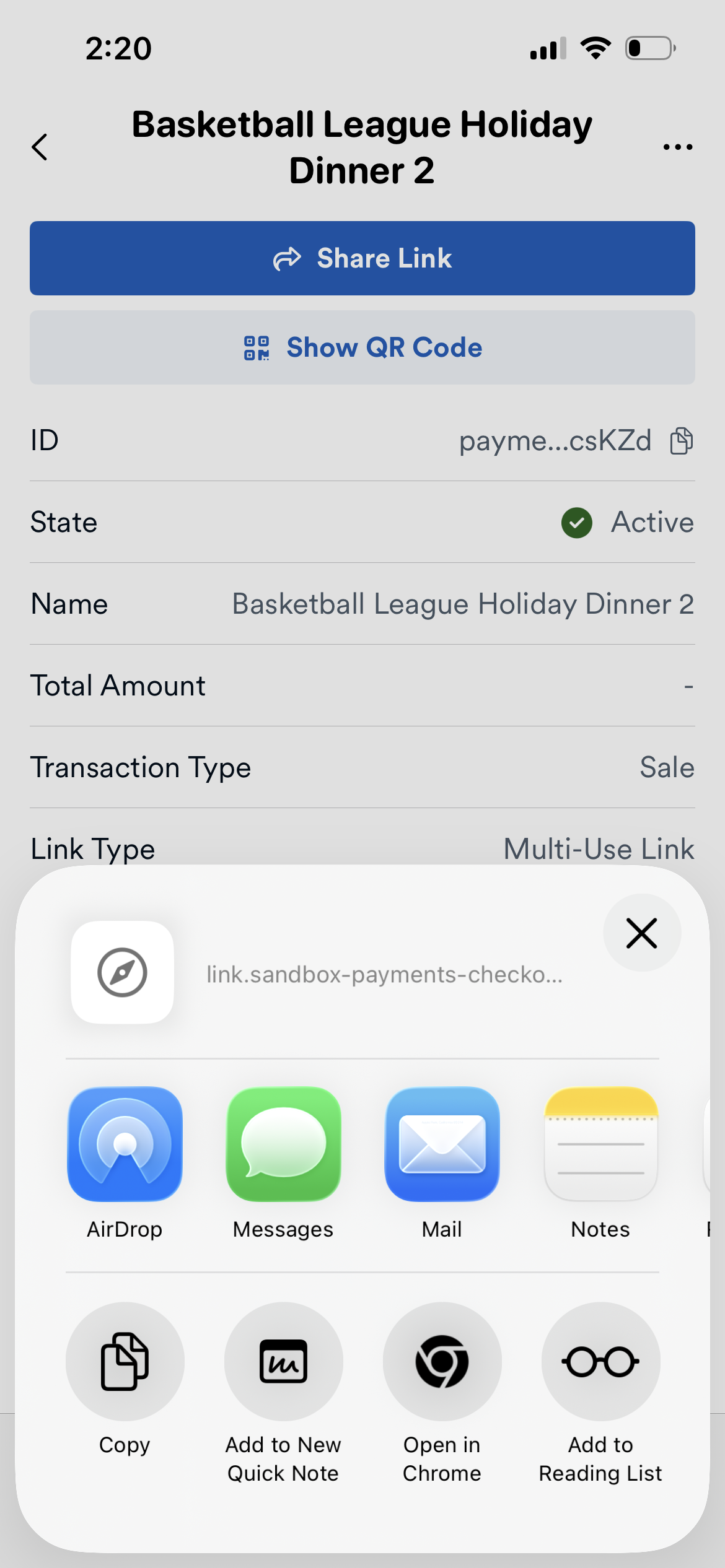
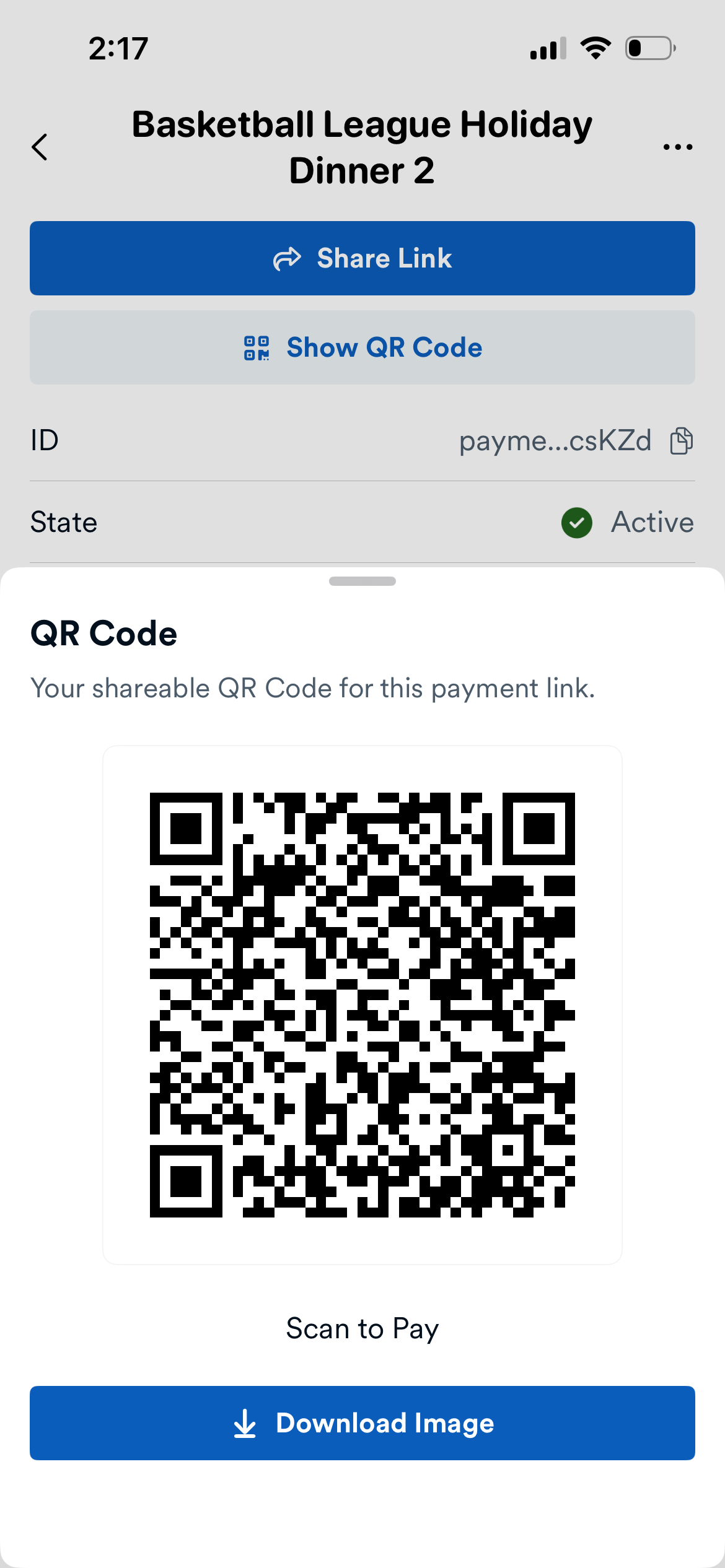
You can manage payment links directly from Finix Checkout. This includes viewing existing payment links, reviewing transaction attempts, and sharing links with buyers.
To create a payment link as part of taking a payment, see Take a Payment — Payment Link.
- Tap ... (More) in the navigation bar.
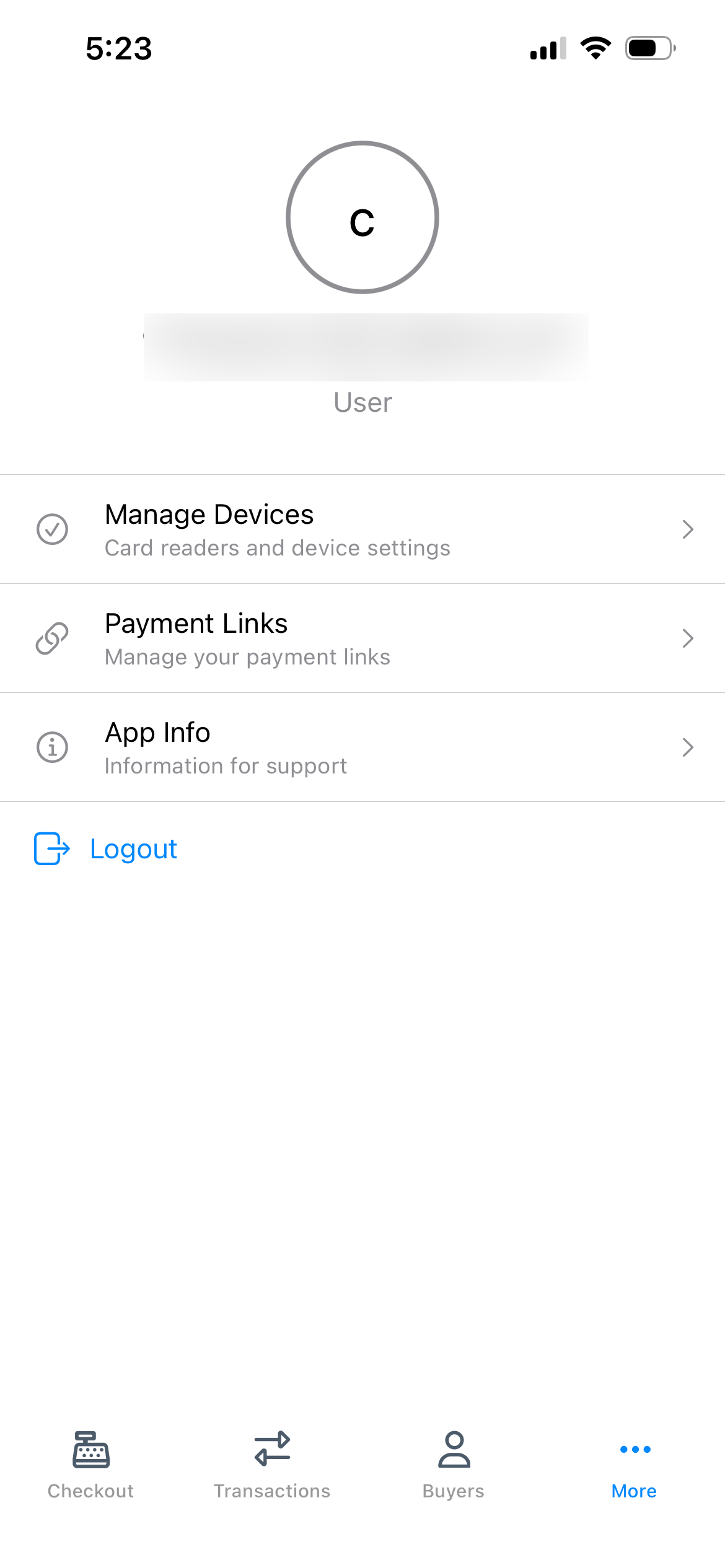
- Tap Payment Links.
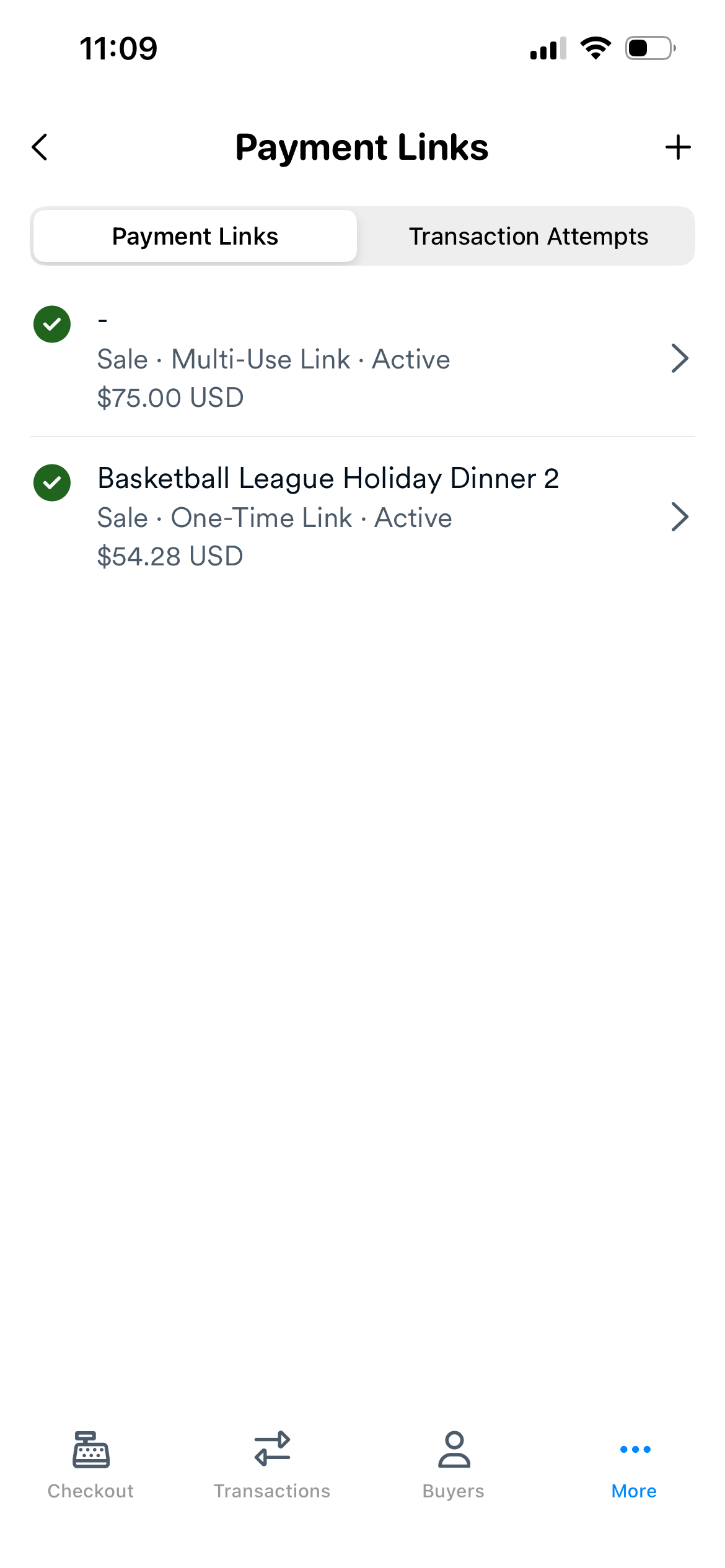
- The Payment Links screen displays.
The Payment Links screen has two tabs:
| Tab | Description |
|---|---|
| Payment Links | Lists all payment links you have created. Tap a payment link to view its details. |
| Transaction Attempts | Lists all transaction attempts made using your payment links. Tap a transaction attempt to view its details. |
Tap the + icon to create a new payment link.
- From the Payment Links screen, tap +.
- Fill out the form fields described below.
- Tap Create Link to generate the link.
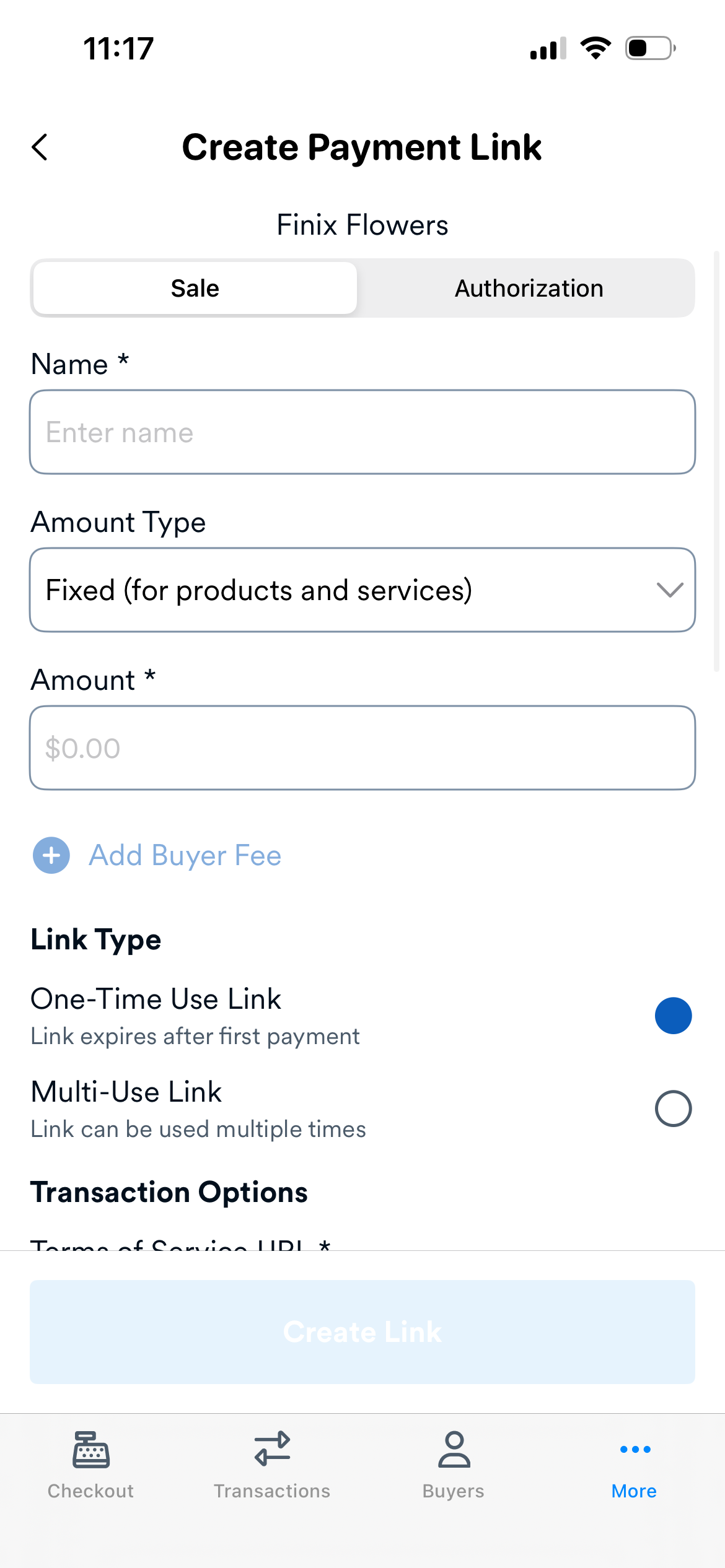
An internal label for the payment link. Not visible to buyers.
| Type | Description |
|---|---|
| Fixed | The payment amount is predetermined and cannot be changed by the buyer. Use fixed amounts when you know the exact payment amount upfront. |
| Variable | The buyer enters their own payment amount within optional minimum and maximum limits. Use variable amounts for donations, tips, or when the final amount isn't known at link creation. |
The transaction amount. Only available when Amount Type is set to Fixed.
| Type | Description | When to Use |
|---|---|---|
| One Time | Single-use payment links can only be used once. After a buyer completes payment, the link is marked as completed and cannot accept additional payments. | Sending a payment request for a specific transaction; ensuring the link is only valid for one payment; tracking individual purchases tied to specific buyers. |
| Multi-Use | Multiple-use payment links can accept unlimited payments. The link remains active until it expires or is manually deactivated. | Accepting recurring payments from multiple buyers; when you don't need to track individual buyers per transaction. |
A URL to your terms of service displayed on the payment page. Required for all payment links.
Select which payment methods buyers can use to complete payment:
| Payment Method | Description |
|---|---|
| Credit/Debit Card | Accept Visa, Mastercard, American Express, and Discover cards. Supports USD and CAD. |
| Bank Account (ACH/EFT) | Accept ACH Direct Debits (USA) and EFT payments (Canada). |
| Apple Pay | Fast, secure checkout with tokenized payments and biometric authentication. Appears on supported Apple devices. |
| Google Pay | Fast, secure checkout with tokenized payments. Appears on supported Android devices and Chrome browsers. |
Configure branding options for the buyer-facing payment page:
| Setting | Description |
|---|---|
| Logo URL | A link to your company logo image. Displayed in the payment page header. |
| Header Color | The background color for the payment page header. |
| Button Background Color | The background color for the payment button. |
| Button Text Color | The text color for the payment button. |
Tap a payment link from the Payment Links tab to open its details page. The details page shows information about the payment link, including any transaction attempts made using it.
From the details page, you can share the link with your buyer using one of the following options:
| Option | Description |
|---|---|
| Share Link | Tap to open the share sheet. From there, you can copy the payment link URL or share it through any app on your device (for example, Messages, Mail, or WhatsApp). |
| Share QR Code | Tap to display a QR code the buyer can scan with their phone camera to access the payment page. You can also download the QR code image and share it through any app of your choice. |