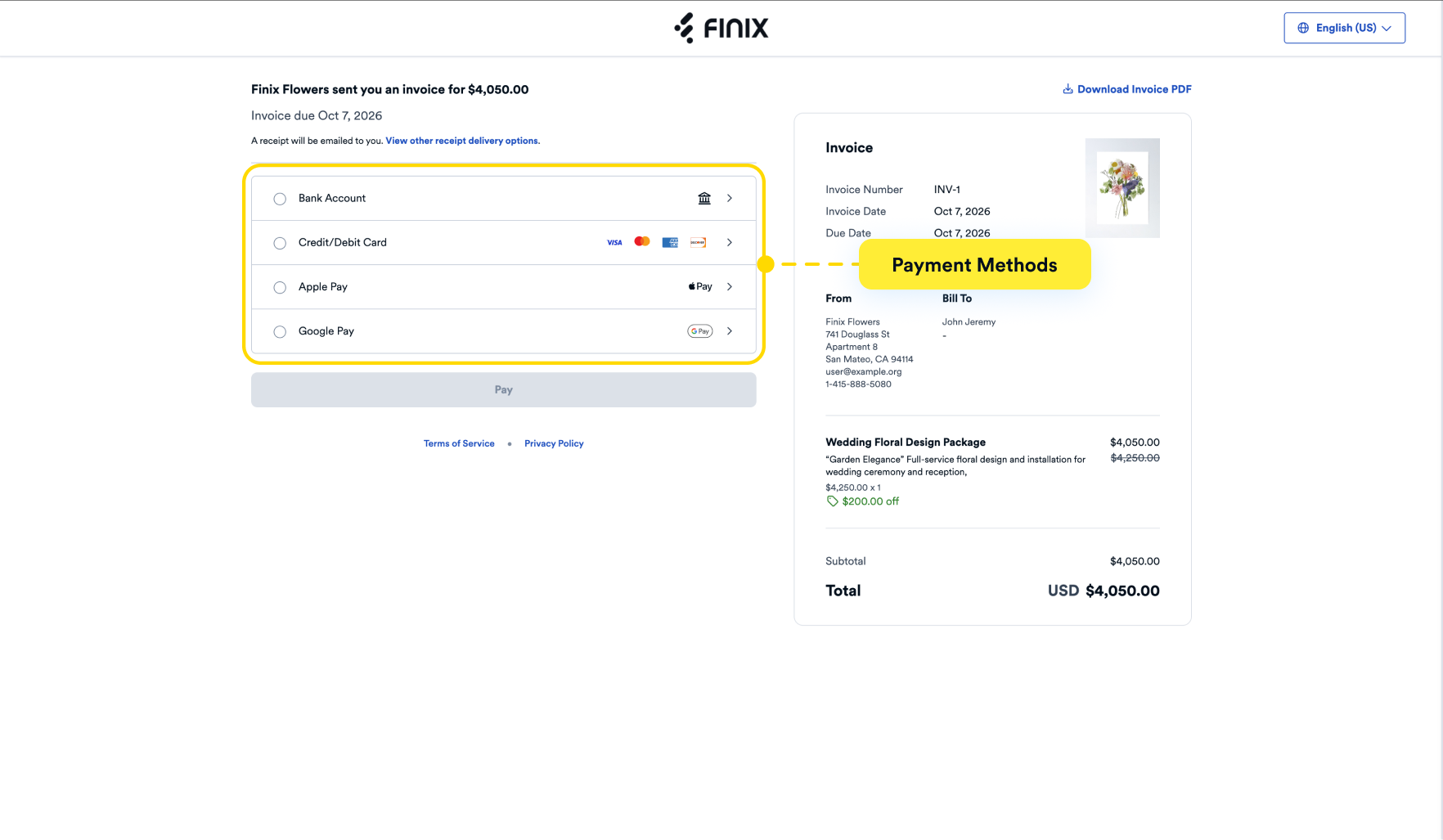
During invoice creation, you can determine how your buyer can pay.
You can configure the following settings:
- Allowed Payment Methods - Select which payment options to accept (credit/debit card, bank account, Apple Pay, Google Pay).
- Partial Payments - Allow buyers to make partial payments instead of the full amount at once. For more information, see Accepting Partial Payments.
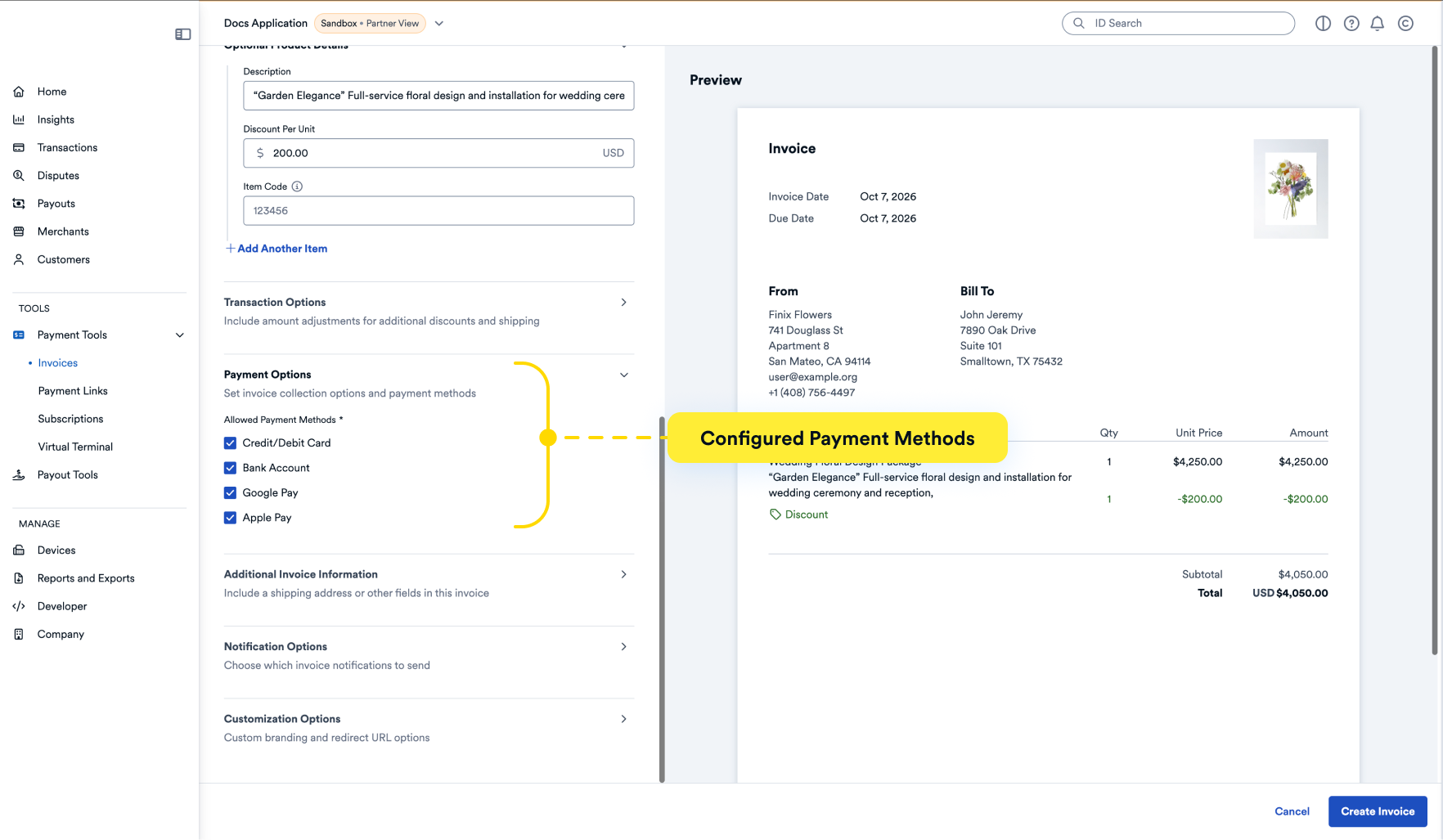
The following payment methods can be configured on an invoice:
PAYMENT_CARDAPPLE_PAYGOOGLE_PAYBANK_ACCOUNTCASH_APP_PAYAFTERPAY
When a buyer clicks the invoice link, the payment page will display the available payment options.