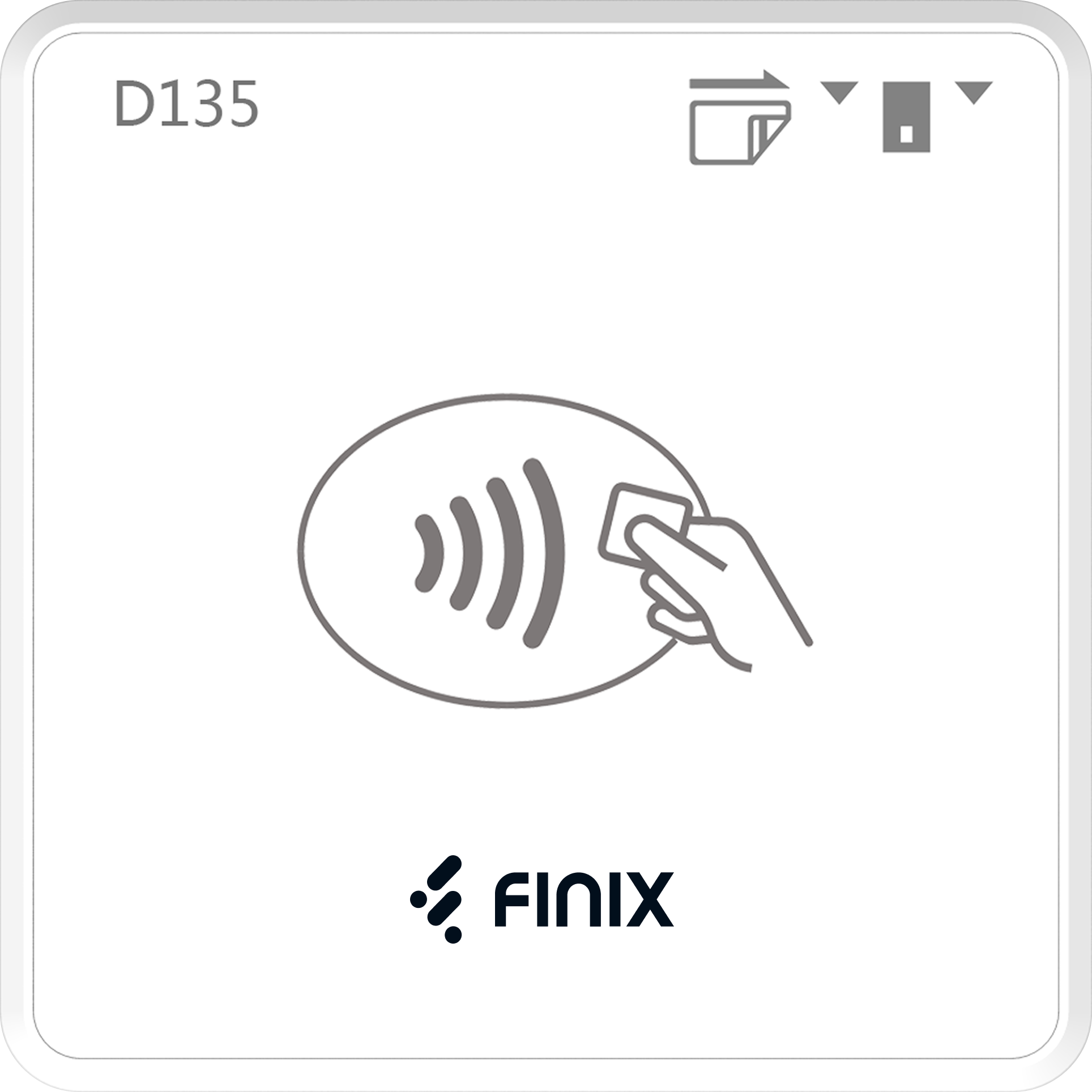
The Finix Card Present SDK enables in-person payment processing with Bluetooth-connected PAX D135 devices. The SDK handles device discovery, pairing, transaction processing, and refunds.
| Requirement | Value |
|---|---|
| Minimum iOS Version | 15.6 |
| Supported Device | PAX D135 |
| Xcode | 14.0+ |
| Physical device | Required — simulator is not supported |
The PAX D135 downloads its encryption keys from PAX servers during first-time configuration. This traffic uses the internet connection of the phone or tablet the D135 is paired with. If that network has a firewall, allow the following PAX hosts for the environment your Device is designated for:
| Environment | Host |
|---|---|
| Sandbox | rkilt.pax.us:33619 |
| Production | rki.pax.us:33519 |
Devices must be designated to either Sandbox or Production and cannot switch between them. Use separate devices when testing across both environments.
Initialize the SDK with your credentials, scan for the PAX D135, connect, then start a transaction.
import PaxMposSDK

class PaymentViewController: UIViewController {
    var finixClient: FinixClient!

    override func viewDidLoad() {
        super.viewDidLoad()

        finixClient = FinixClient(config: FinixConfig(
            environment: .Sandbox, // use .Production for live payments
            credentials: Finix.APICredentials(
                username: "YOUR_USERNAME",
                password: "YOUR_PASSWORD"
            ),
            merchantId: "MUxxxxxx",
            mid: "",
            deviceType: .Pax,
            deviceId: ""
        ))
        finixClient.delegate = self
        finixClient.interactionDelegate = self

        finixClient.startScan()
    }
}

extension PaymentViewController: FinixDelegate {
    func didDiscoverDevice(_ deviceInfo: DeviceInfo) {
        finixClient.connectDevice(deviceInfo.id)
    }

    func deviceDidConnect(_ deviceInfo: DeviceInfo) {
        finixClient.update(deviceId: deviceInfo.id)

        let amount = Currency(amount: 1000, code: .USD) // $10.00
        finixClient.startTransaction(amount: amount, type: .SALE) { response, error in
            Task { @MainActor in
                // handle response and error
            }
        }
    }
}
A complete reference implementation is available in the Finix PAX MPOS iOS Demo App.