Finix provides Android SDKs for accepting payments across different use cases. Select an SDK below to get started.
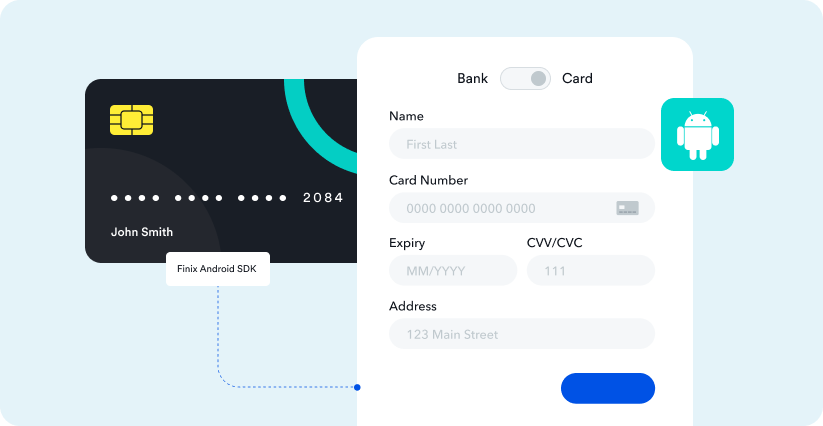
Accept card and bank payments in your Android app using a pre-built payment sheet.
Overview
Installation, requirements, and quick start.
PaymentSheet
Initialize and present the payment sheet.
Card Scanner
Enable camera-based card scanning.
Form Types
Choose the payment form layout.
Customization
Customize branding, colors, and appearance.
TokenizedResponse
Handle the tokenization response.
Accept in-person card payments using the PAX D135.
Overview
Quick start and system requirements.
Device Setup
Create and activate a PAX D135 device in Finix.
Installation & Initialization
Add the SDK and connect to a device.
Transactions
Process card-present payments and refunds.
Troubleshooting
Common issues and device LED status reference.
Device Store
Order PAX D135 devices.