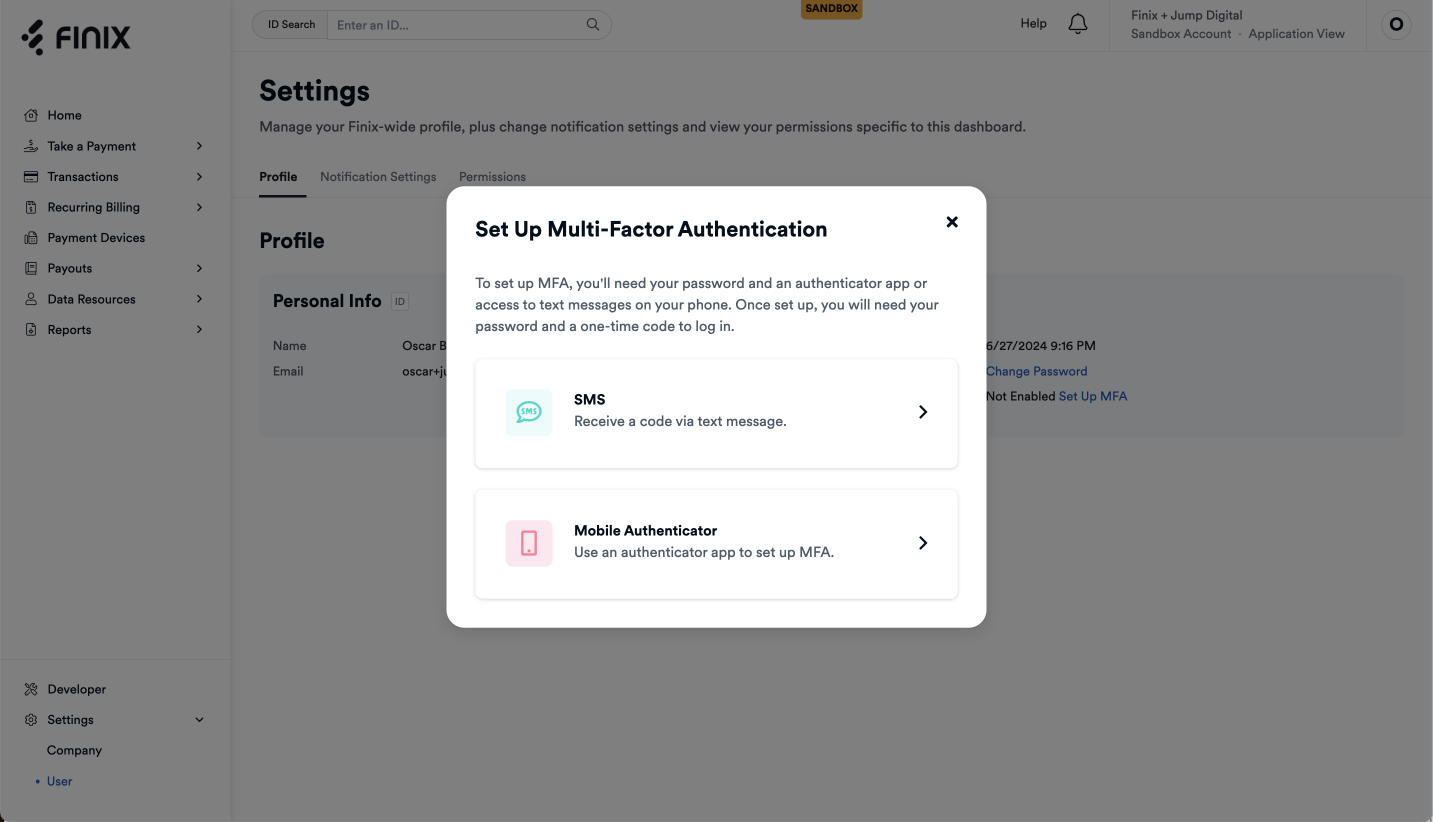
At Finix, we prioritize the security of your account and sensitive information. To further strengthen account protection, we will begin enforcing Multi-Factor Authentication (MFA) starting on March 1st.
MFA adds an extra layer of security by requiring not only your username and password, but also a second verification step. This is essential in preventing unauthorized access and ensuring the safety of your data.
- SMS (Text Message): Finix supports an SMS option for users to login.
- Mobile Authenticator: You can also use a Mobile Authenticator App such as Google Authenticator or Okta Verify to login.
- SMS (Text Message): Finix supports an SMS option for users to login.
- Mobile Authenticator: You can also use a Mobile Authenticator App such as Google Authenticator or Okta Verify to login.
- Please enable MFA for your account by following the simple steps outlined in this guide.
- If your merchants log into the Finix Dashboard, we recommend pass along this guide or similar content and communicate that MFA will be required to login starting on March 1st.
Anyone who does not have MFA enabled will be prompted to do so when they login.
If you have any questions or need assistance setting up MFA, please contact us at support@finix.com. If you have any questions or need assistance setting up MFA, please contact us at support@finix.com.