 ..
..
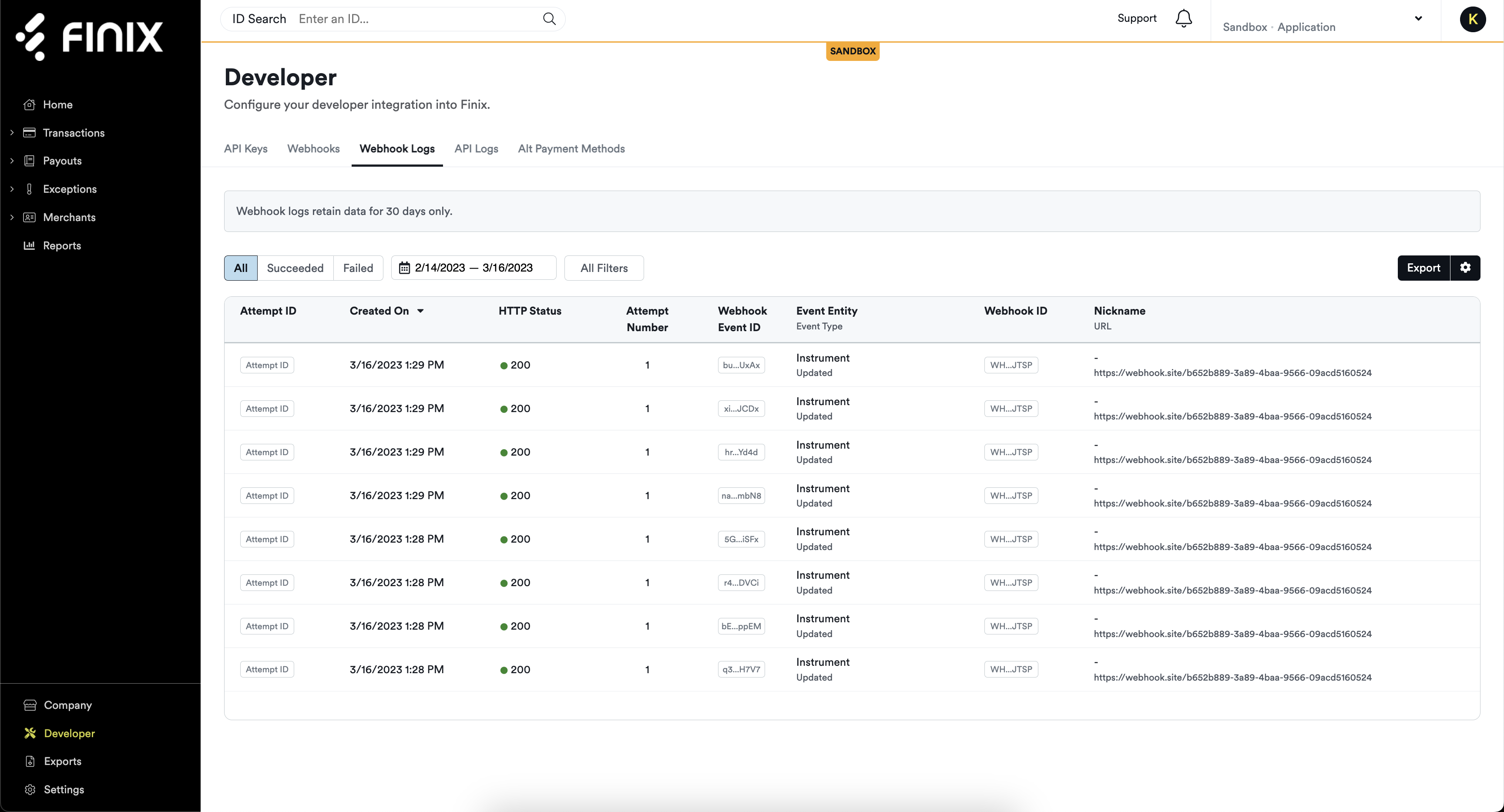
From the developer section of the dashboard, users can now review logs that detail all the webhook events they’ve received. Developers are also able to receive dashboard and email notifications about webhook events they’ve received.
With an easily accessible log you can check at any time, it’s an easier path to debug, troubleshoot, and audit the activity you process.
The webhook events log allows you to:
- Review how webhooks are configured
- Review a history of all webhook event attempts
- Filter webhooks by attempts and troubleshoot any failed events
- Reattempt events that have failed
- Enable email and in-dashboard notifications for failing webhooks
- Review how webhooks are configured
- Review a history of all webhook event attempts
- Filter webhooks by attempts and troubleshoot any failed events
- Reattempt events that have failed
- Enable email and in-dashboard notifications for failing webhooks