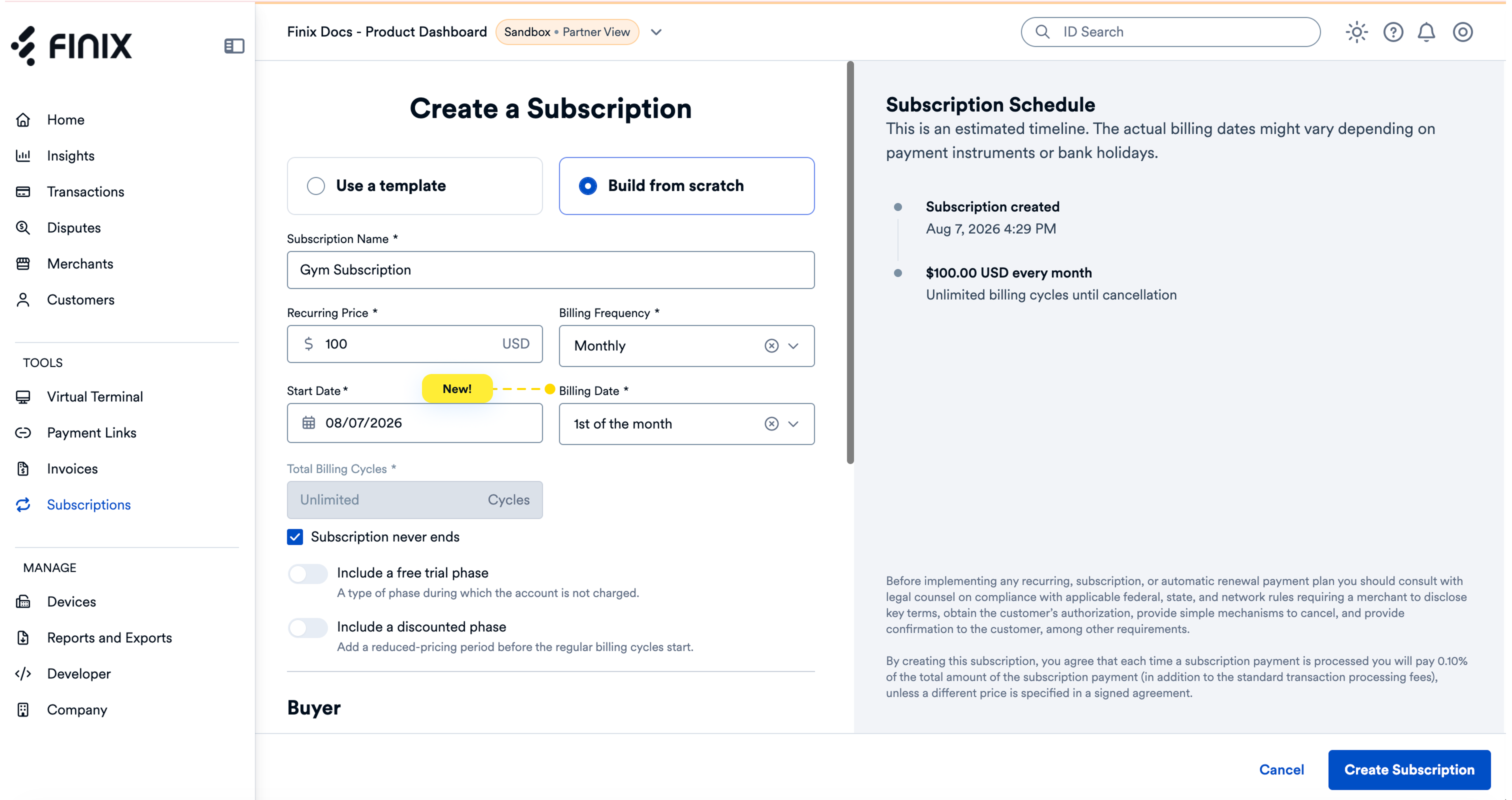
You can now choose the day of the month a subscription bills, no matter what day it starts. Set billing_cycle_day when creating a Subscription to charge the buyer on that day every cycle, or select a Billing Date when creating a subscription in the Finix Dashboard. You can also change the billing cycle day on an existing Subscription at any time.
- Prorated first invoice: If the subscription starts on a different day, Finix prorates the first invoice so the buyer only pays for the days until the first billing cycle day.
- End of month handling: If a month does not include the day you selected, Finix charges the buyer on the last day of that month instead.
- Prorated updates: When you change the billing cycle day on an existing subscription, Finix charges a prorated amount to bridge the gap, then resumes full billing on the new day.
Billing cycle days are supported for MONTHLY and longer billing intervals, up to TRIYEARLY.
To learn more, see Billing cycle day in the Subscriptions Quickstart. For request details, see Create a Subscription and Update a Subscription in the API reference.