We've made improvements to our documentation site:
- Improved search
- Improved navigation
- Improved styling
- Dark mode
- Leave feedback on pages
- Improved search
- Improved navigation
- Improved styling
- Dark mode
- Leave feedback on pages
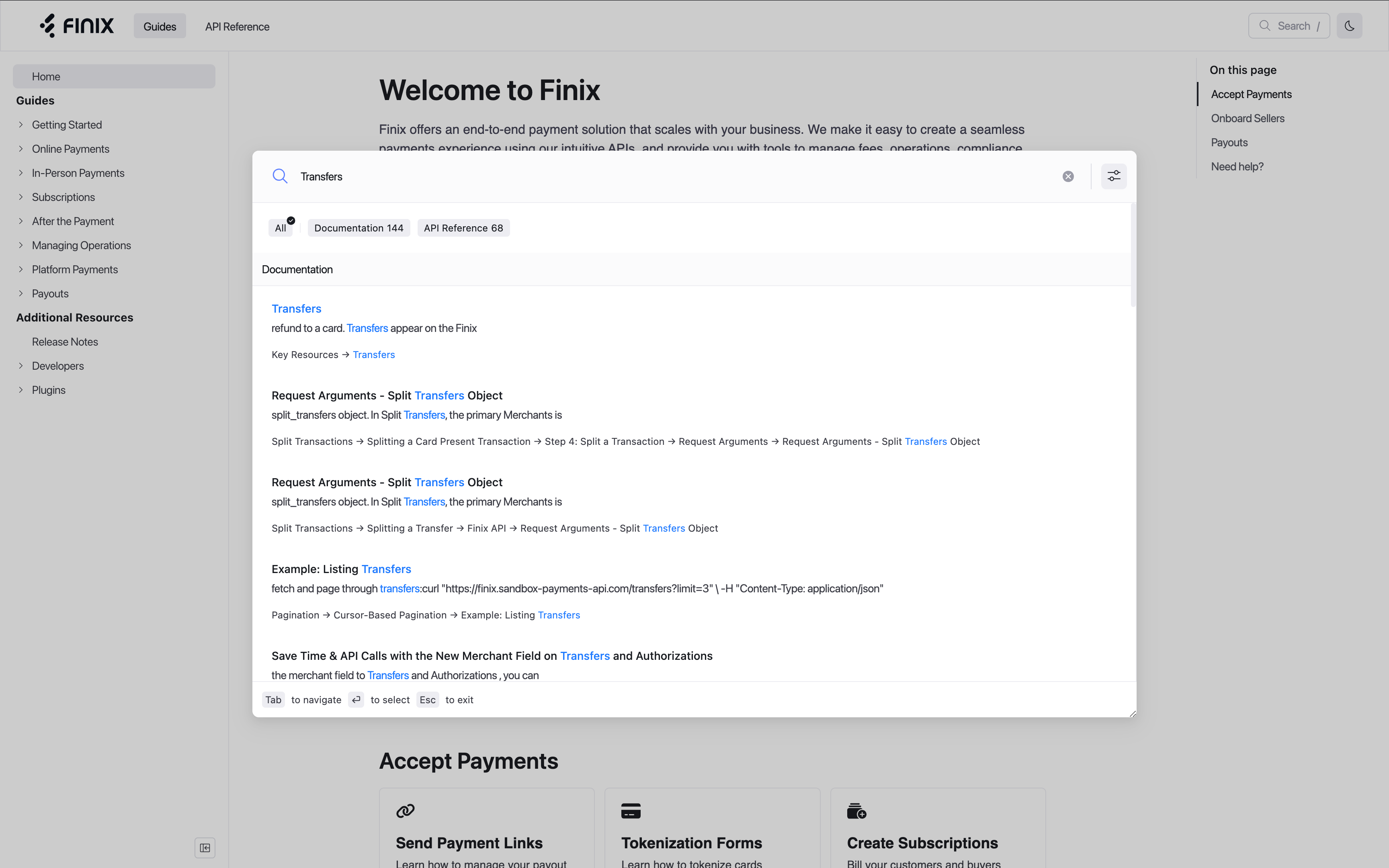
- Searching is now lightning-fast, giving you results within moments of typing
- You'll now have a large area to view and pick between search results
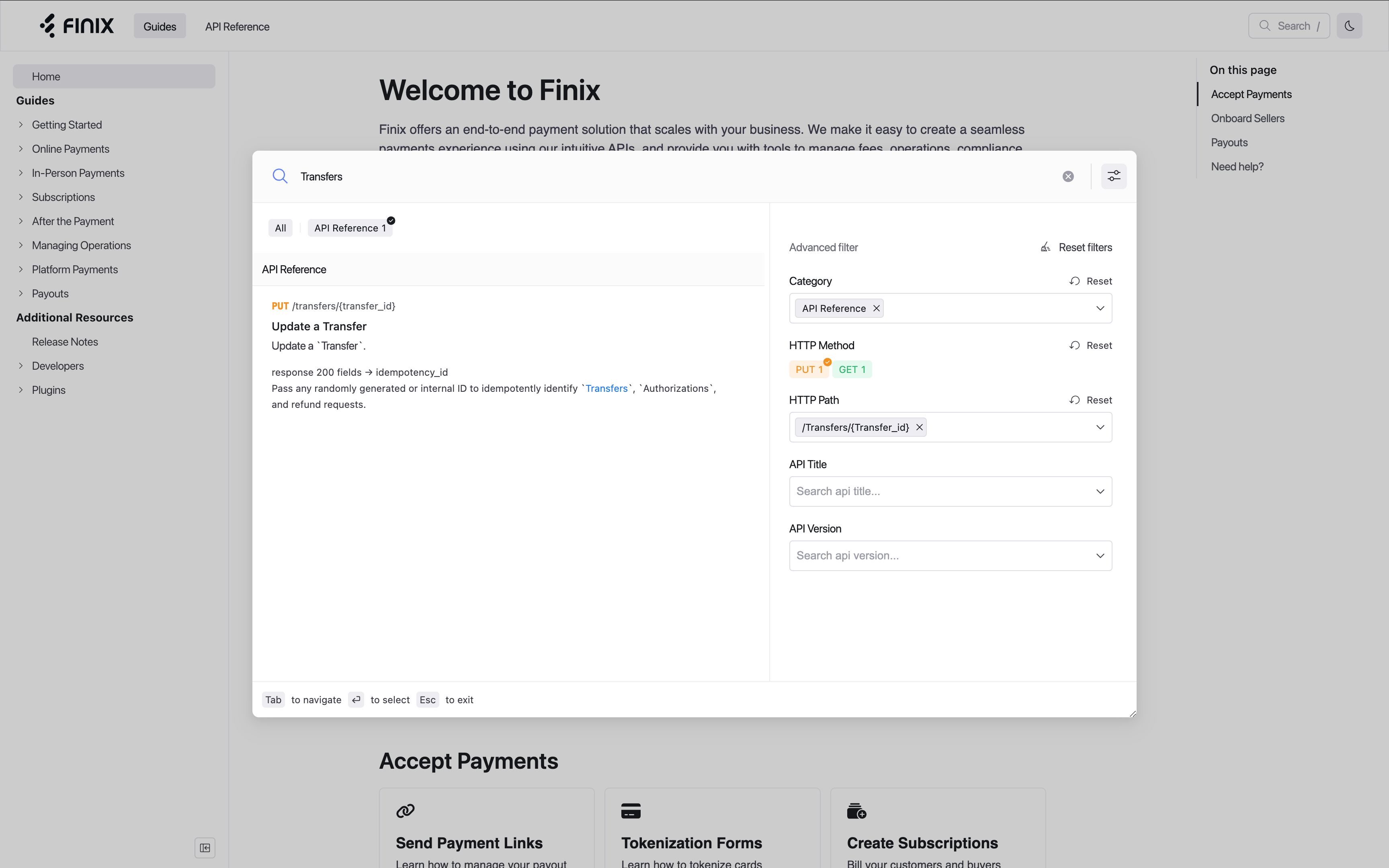
- You can filter search results by Guides versus API Reference, as well as apply detailed API Reference filters
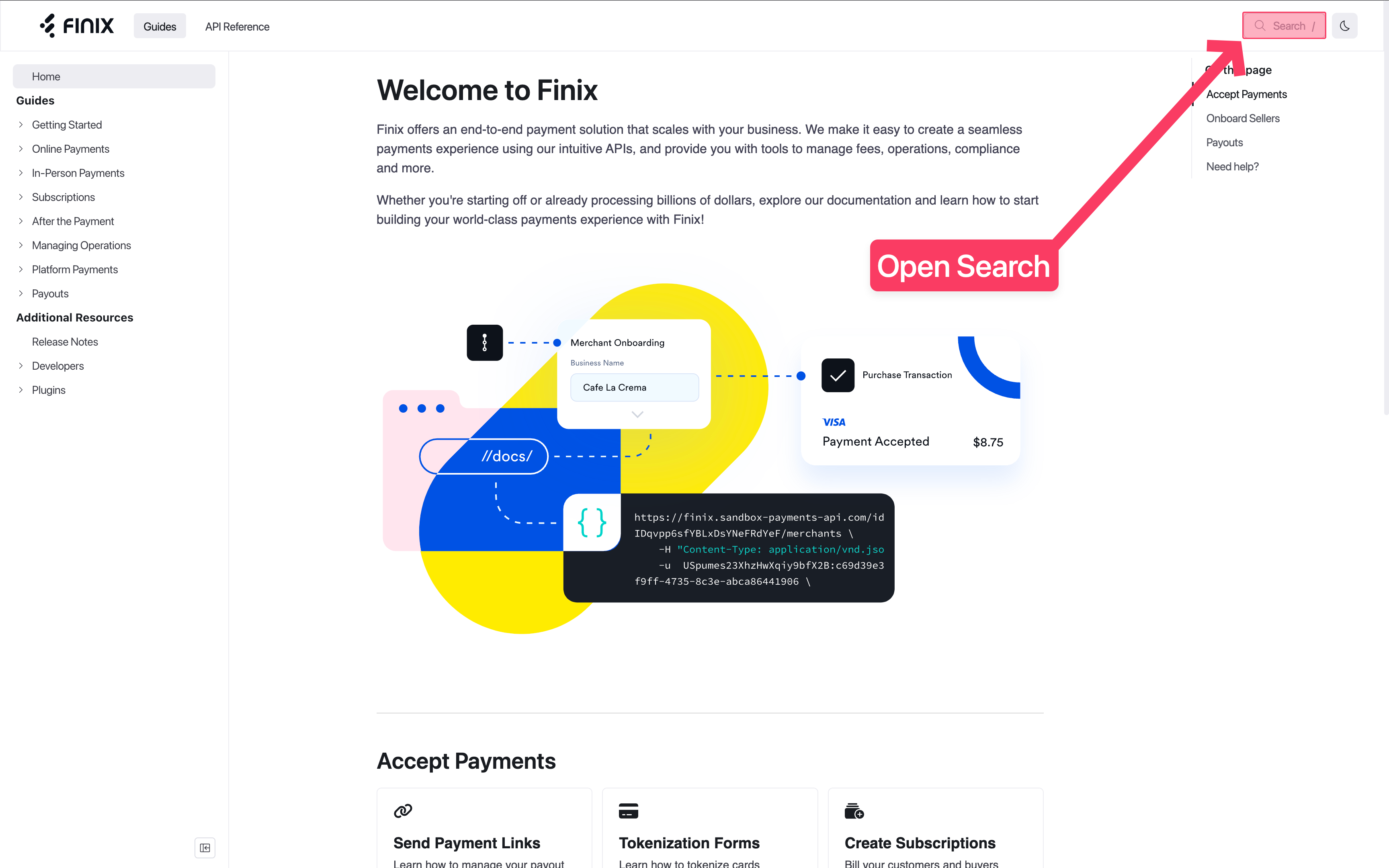
- Access search by selecting the search bar on the top-left, or typing
/orCmd + Kon your keyboard - Searching is now lightning-fast, giving you results within moments of typing
- You'll now have a large area to view and pick between search results
- You can filter search results by Guides versus API Reference, as well as apply detailed API Reference filters
- Access search by selecting the search bar on the top-left, or typing
/orCmd + Kon your keyboard
- We've re-organized all our content into sections that are clearer and easier to follow
- We've added cards on all section homepages, making it easier for readers to find all topics
- We've re-organized all our content into sections that are clearer and easier to follow
- We've added cards on all section homepages, making it easier for readers to find all topics
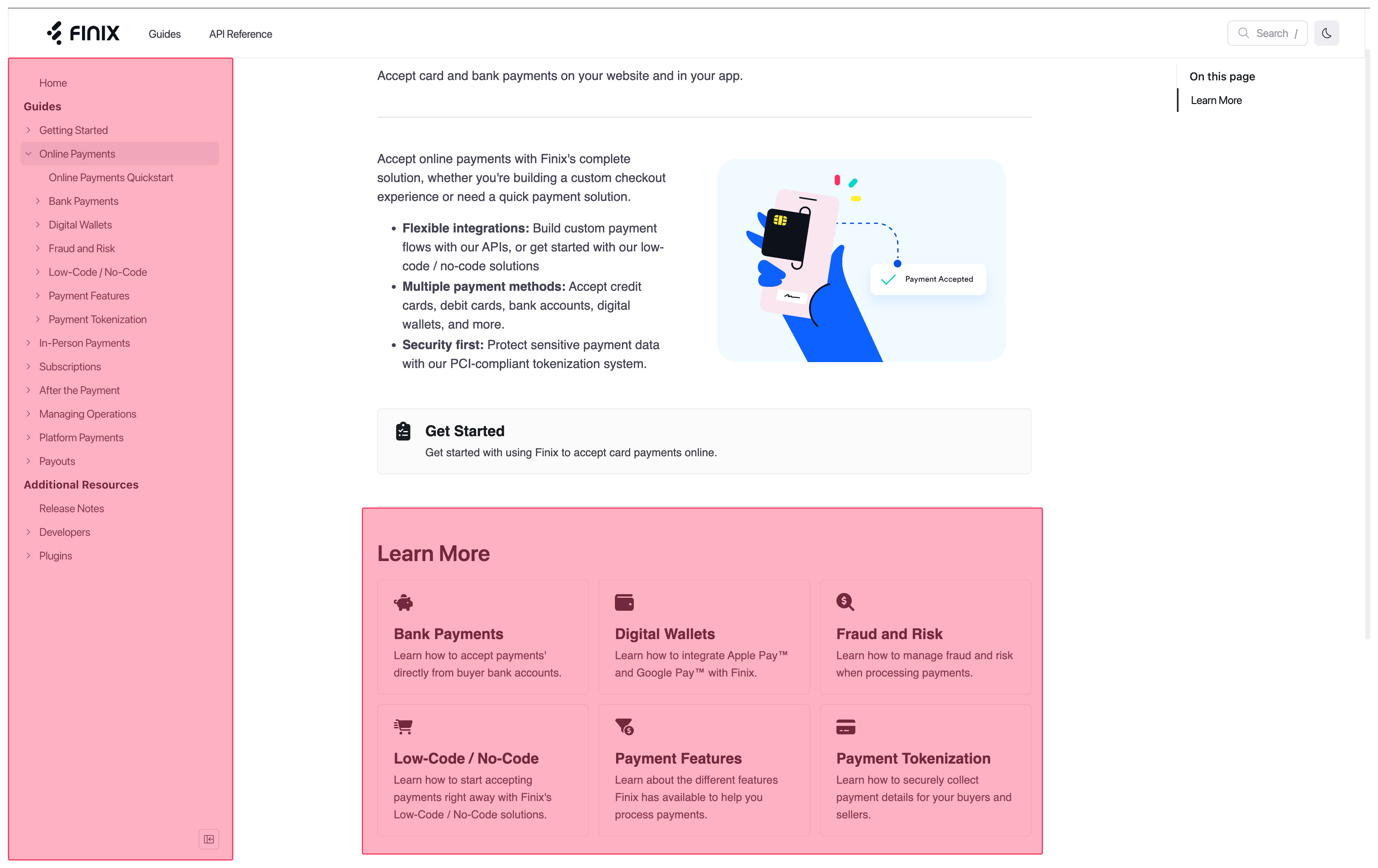
- We've improved styling across our entire docs site, making the reading experience easier and more consistent
- These styling improvements include code blocks, section titles, and more
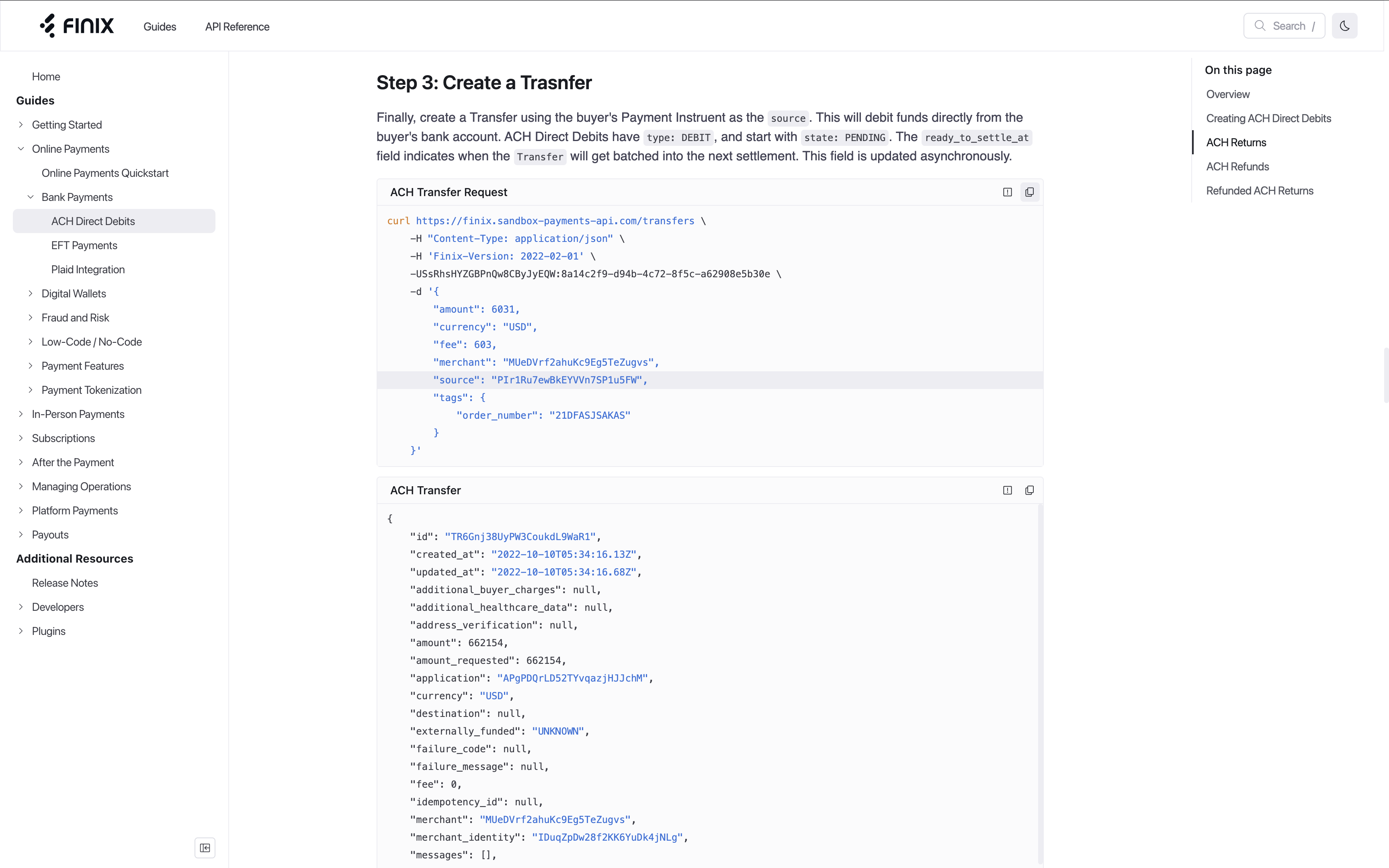
- We've improved styling across our entire docs site, making the reading experience easier and more consistent
- These styling improvements include code blocks, section titles, and more
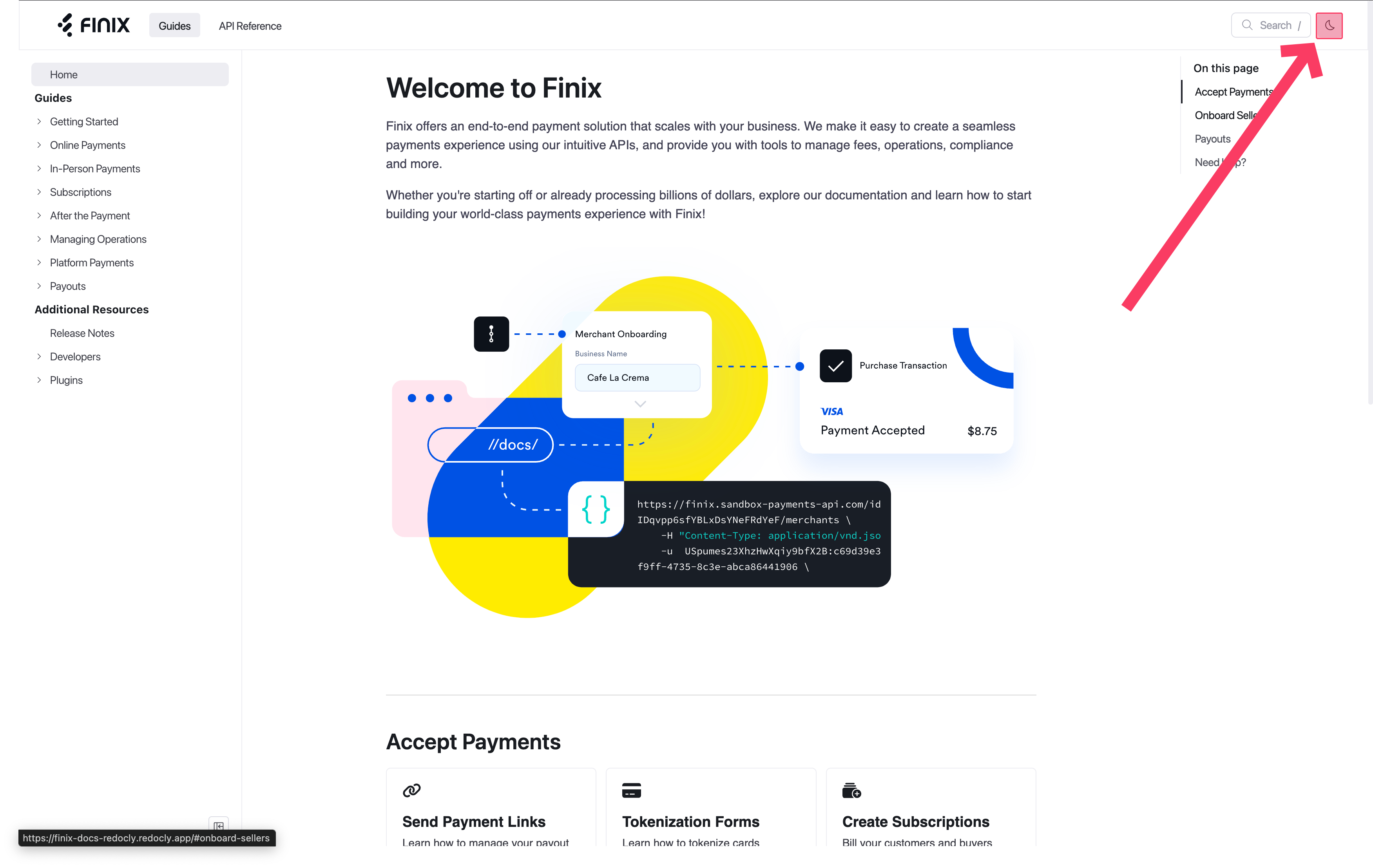
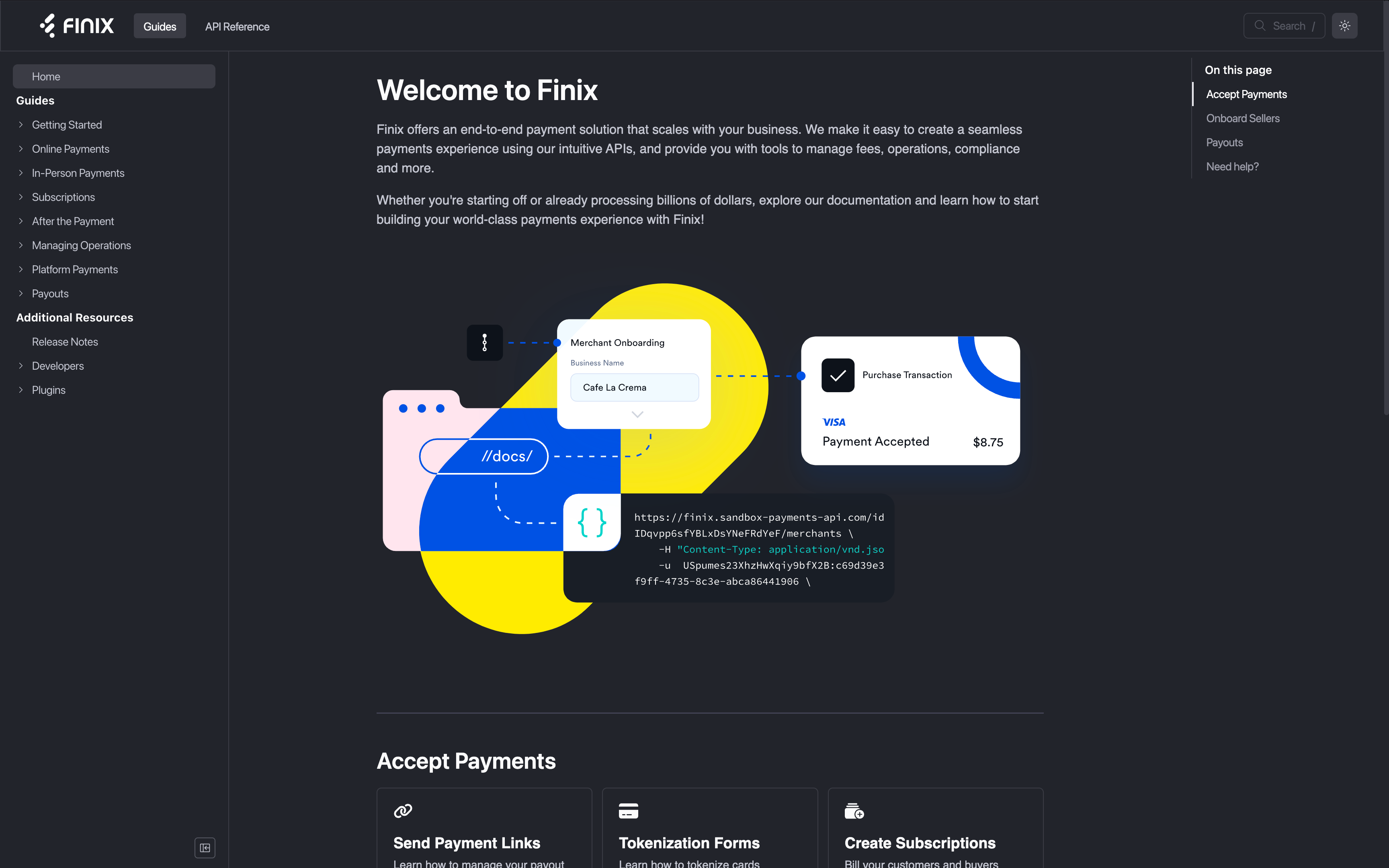
- Now, you can read our docs in dark-mode
- To do so, toggle between dark-mode and light-mode with the icon in the upper-right corner
- Now, you can read our docs in dark-mode
- To do so, toggle between dark-mode and light-mode with the icon in the upper-right corner
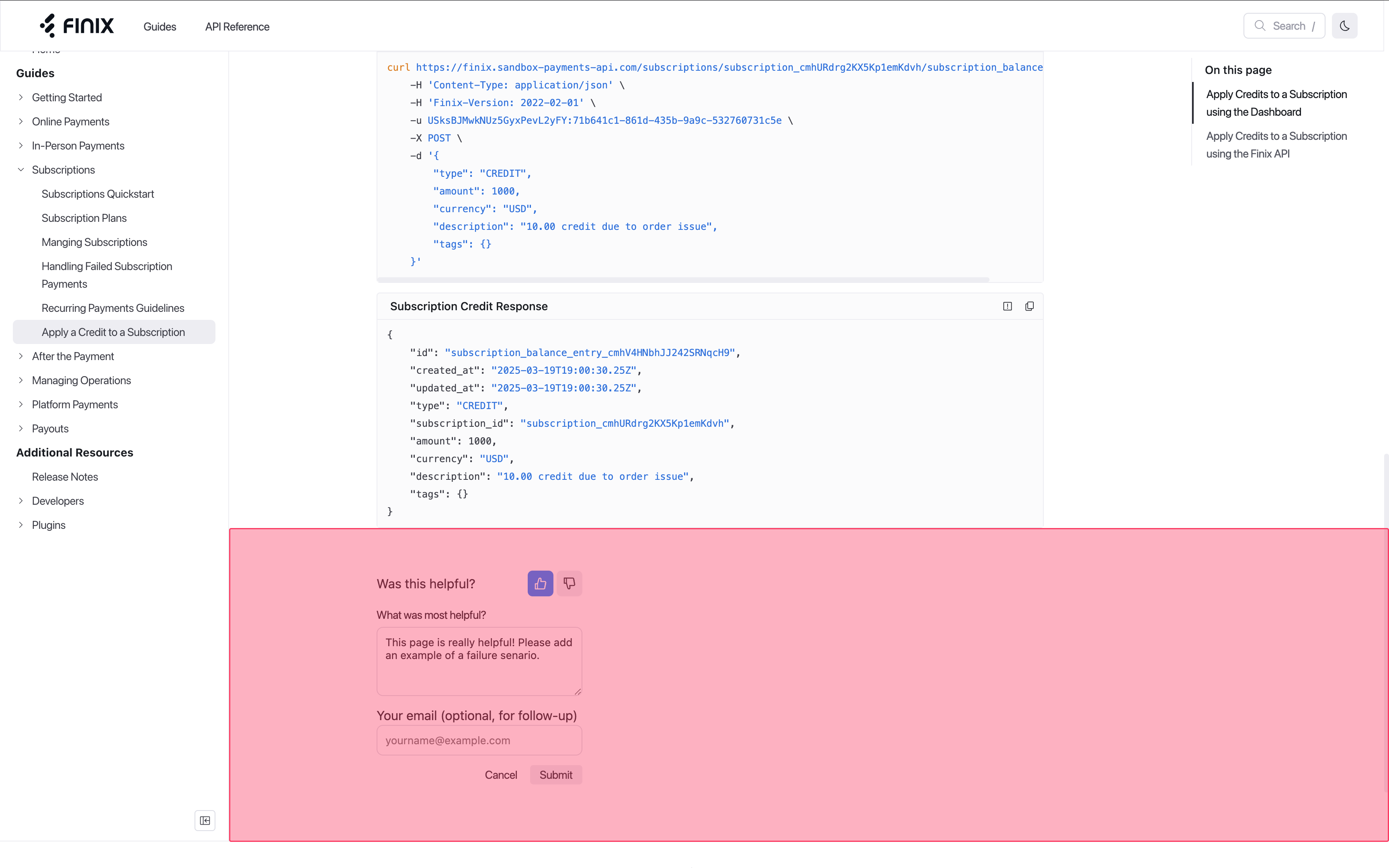
- Now, you can leave feedback directly on the bottom of each page
- This feedback goes directly to our team for review, and we'll reach out if needed
- Now, you can leave feedback directly on the bottom of each page
- This feedback goes directly to our team for review, and we'll reach out if needed